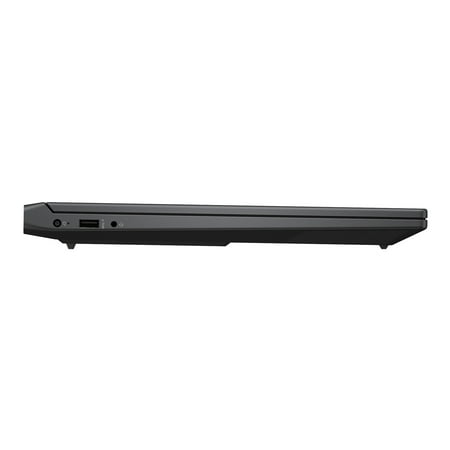
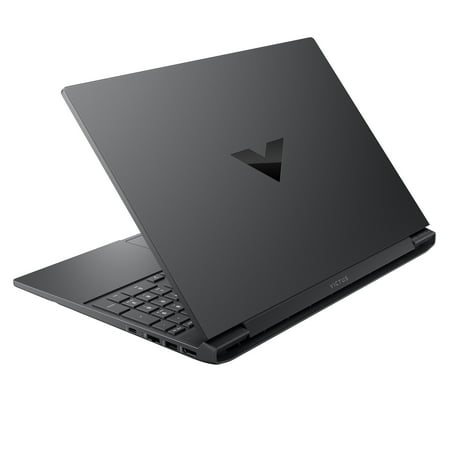
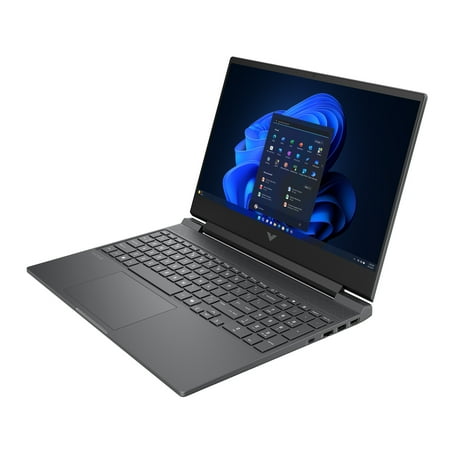
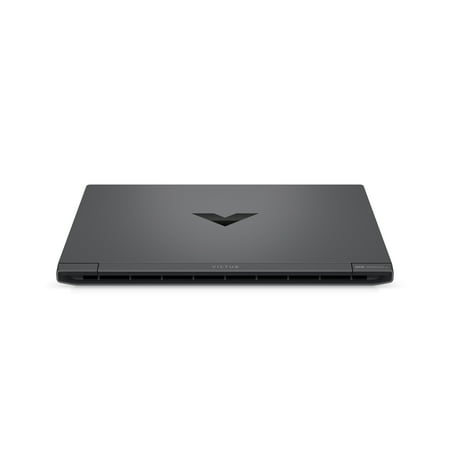
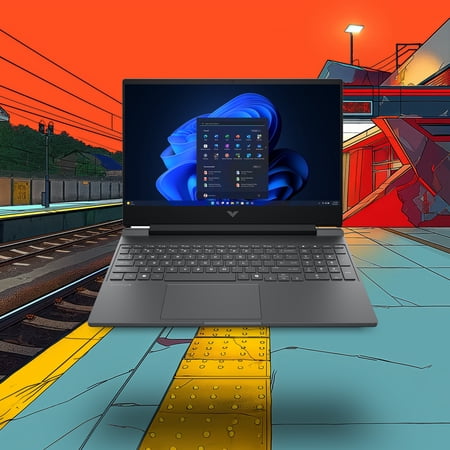


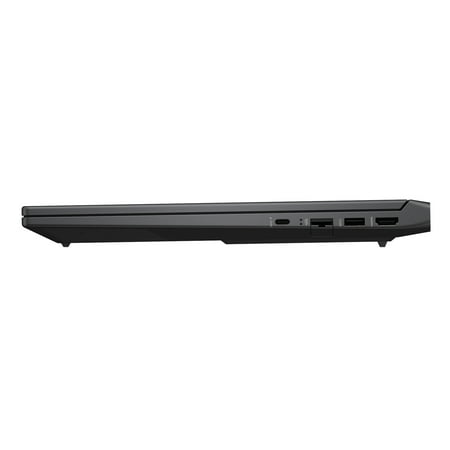
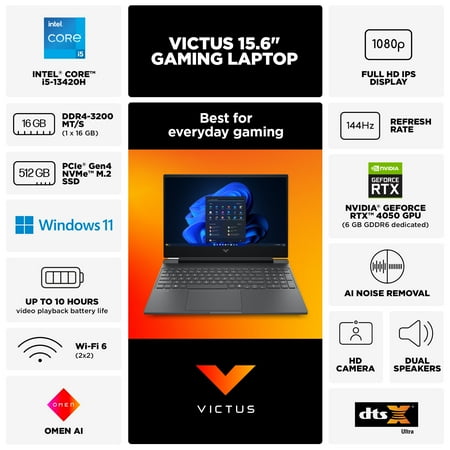
The HP Victus suits someone who wants to play multiplayer games and work through a few single-player titles on the same machine. Full HD is a sensible match for the RTX 4050 because it gives the graphics chip fewer pixels to draw than a higher-resolution screen. In demanding games, start with moderate graphics settings and turn up the options you notice most. If you want to leave every effect at its highest setting, look for a stronger graphics configuration.
Match the settings to the game
The 144Hz panel has more chances to show a new frame as you turn or aim. The benefit is easiest to see when the game delivers frames consistently. In a fast shooter, it can make sense to lower shadows or other effects for steadier motion. For slower games, you may prefer more detail. If you also edit photos or video, check the panel’s color coverage before trusting it for color decisions.
The 16GB of memory gives a game some room to share the system with voice chat and a browser. Check how much disk space your usual games need after updates, especially if you save recordings locally. If you need more space later, confirm whether the exact model has room for another drive or requires replacing the existing one.
Find the full HP model code on the store page and check the graphics power rating for that version. The laptop spec sheet guide explains what to compare when two listings use the same graphics name.