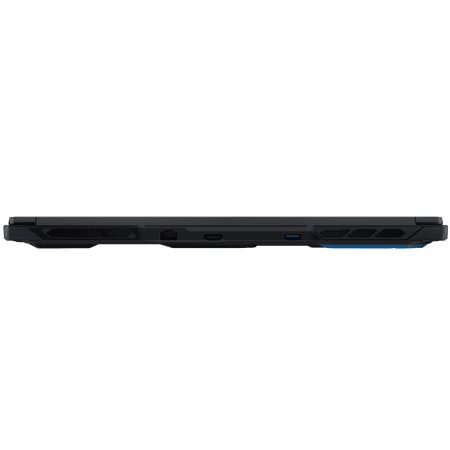
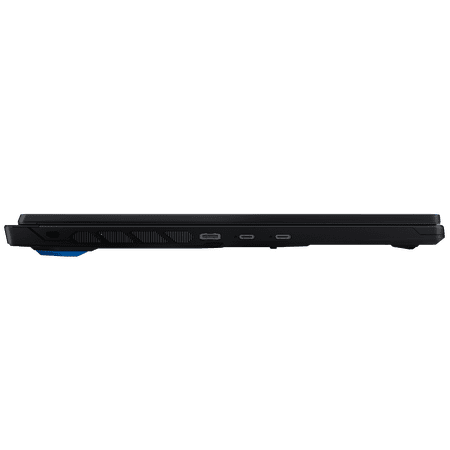
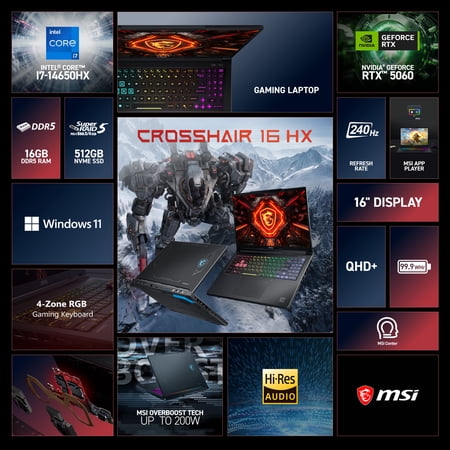
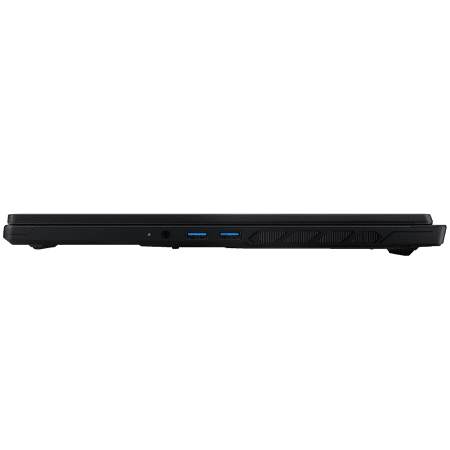
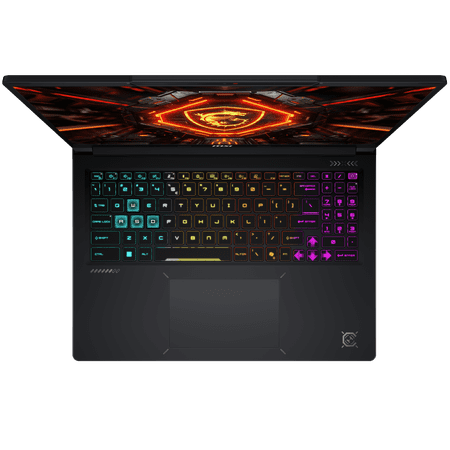
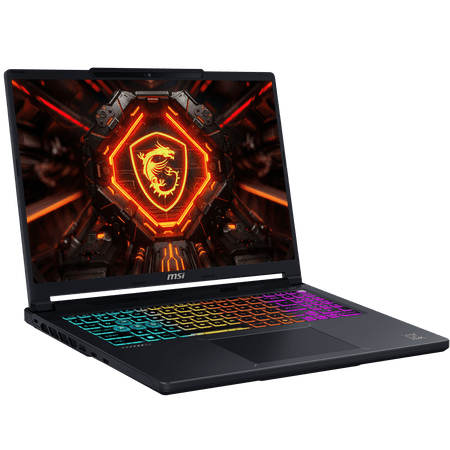
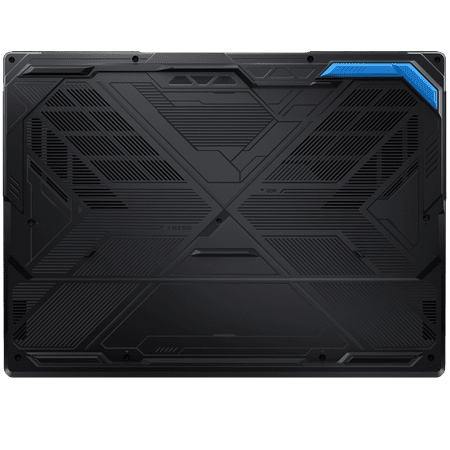
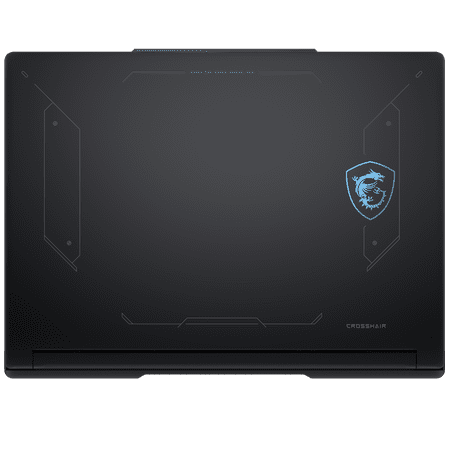
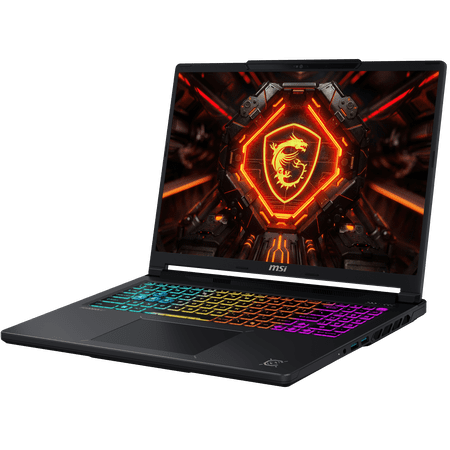
The MSI Crosshair pairs a fast panel with an RTX 5060, so think about which titles would benefit from the screen. A lightweight competitive game can make better use of it than a graphics-heavy game at QHD. For the latter, start with a lower rendering resolution or turn down costly effects.
Frame rate in practice
A faster display is especially useful when you are tracking a moving target in a competitive game. For games with more elaborate scenery, the graphics card may spend longer drawing each frame at the built-in resolution. Use different settings for those two workloads. Check whether the games you play support rendering at a lower resolution while keeping interface text sharp.
The drive is a bigger constraint if you play several large games at once or record footage locally. The operating system and updates take their share before game installs, add-ons or captures. Add up the space needed for your regular rotation and leave room for patches. Consider more storage if you already know you will keep several big titles installed.
See the gaming laptop guide to compare screen and graphics priorities.
Before ordering
Before ordering, verify the screen and storage for the selected configuration. If you want to use an existing monitor or external drive, confirm that the laptop supports the connection and display settings you plan to use. Compare the GPU with a faster option if demanding games at high settings are your main use.
What reviewers say
Notebookcheck tested the Core i7 and RTX 5060 combination. The site found the IPS screen responsive in fast games and liked its color coverage. Notebookcheck found the laptop focused on the core gaming experience, with fewer extras around the display. The reviewer noted the absence of variable refresh features such as G-Sync and found the speakers less impressive than the screen. Notebookcheck also noted the plastic surfaces, a consideration if the feel of the chassis matters to you.
Sources: Notebookcheck