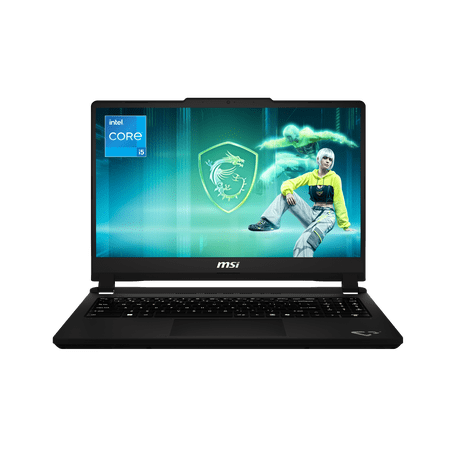
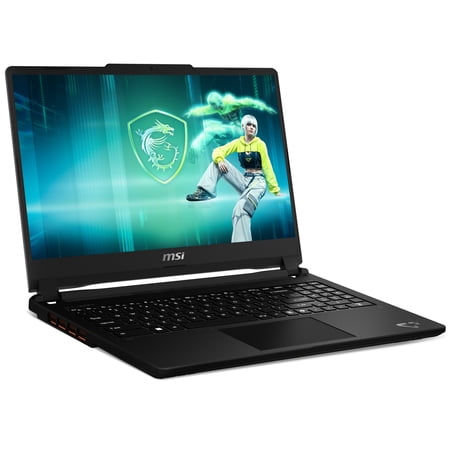
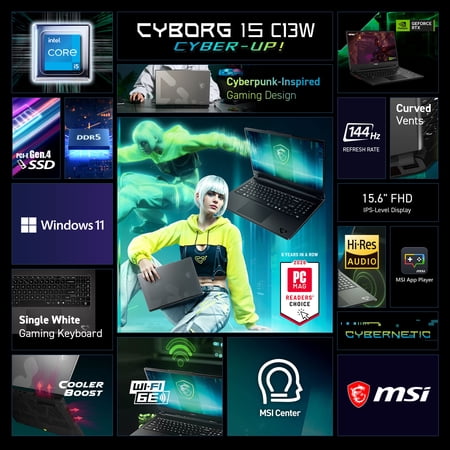
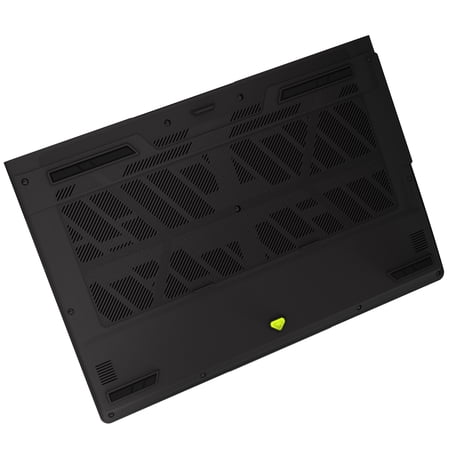
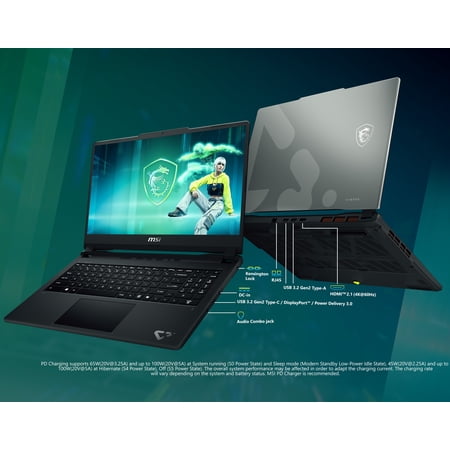
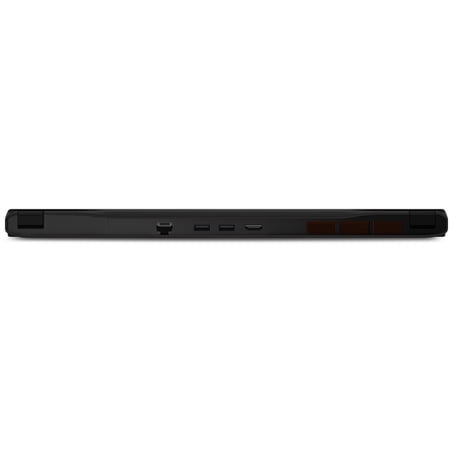
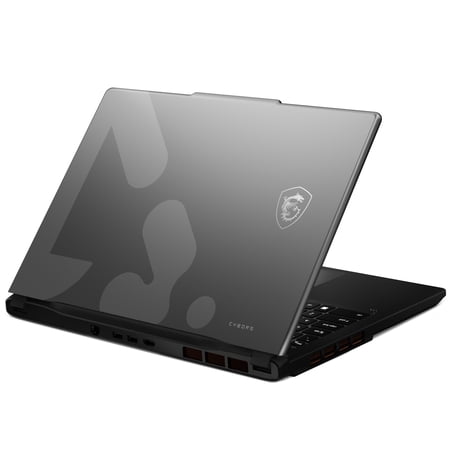
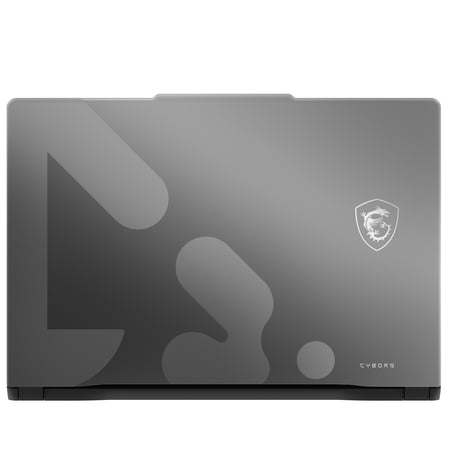
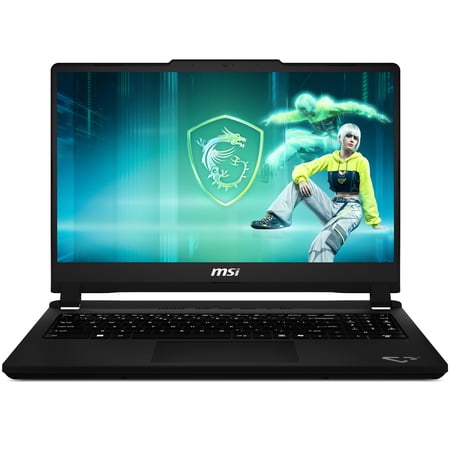
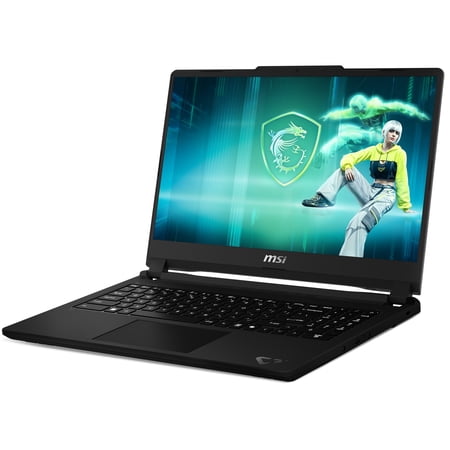
The Cyborg is a fit for players who enjoy lighter multiplayer titles and can tune settings in demanding games. The RTX 5050 lets you use graphics acceleration in supported editing apps as well. If your main goal is running recent releases at the highest visual settings, compare a model with faster graphics.
How to use the screen
For a fast multiplayer game, begin with a lower effects preset and look for steady motion. A fast panel gives the game room to show more frames, but the graphics chip still has to produce them consistently. If you prefer visually rich single-player games, increase detail until you find a comfortable balance, then leave the highest preset for lighter titles.
The drive is a bigger constraint if you play several large games at once or record footage locally. The operating system and updates take their share before game installs, add-ons or captures. Add up the space needed for your regular rotation and leave room for patches. Consider more storage if you already know you will keep several big titles installed.
Match the exact model number, the GPU and the display on the store page. Similar names can cover several configurations. If your decision depends on a particular game, compare results for that game at your intended resolution and settings. Compare the GPU with a faster option if demanding games at high settings are your main use.
See the gaming laptop guide to compare screen and graphics priorities.
What reviewers say
HighTechDad reviewed the Cyborg 15 C13WE with the Core i5 and RTX 5050. The site found the keyboard responsive for typing and liked having a separate number pad. HighTechDad saw some flex in the lid and slight movement at the hinge, though the reviewer felt the machine was reasonably well assembled overall. The site also found performance in local AI tasks depended on the model chosen. HighTechDad’s results varied substantially between the tools it tried.
Sources: HighTechDad