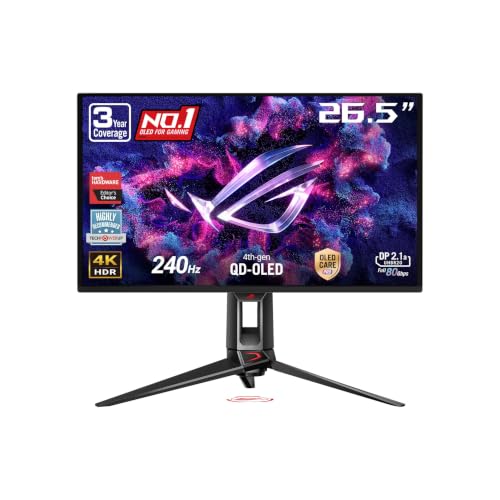


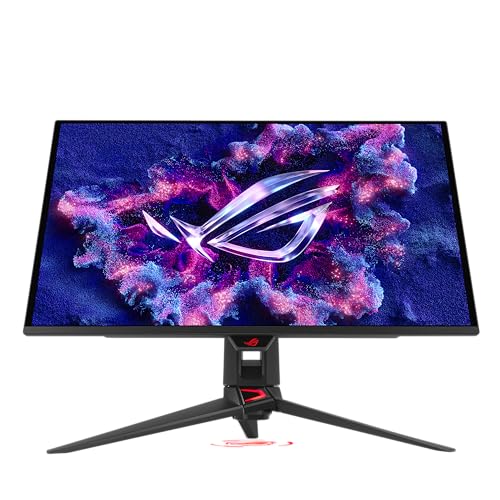
The PG27UCDM suits a PC that does both fast gaming and detailed image work. A 4K image on a 27-inch screen packs pixels close together, which helps when inspecting fine edges in a photo or reading text at a normal desk distance. You can raise desktop scaling if menus look too small and still benefit from the extra detail.
Driving the screen
A high refresh rate is useful for tracking motion in fast games. Hitting 240Hz at 4K also calls for a fast graphics card, especially if you keep demanding effects enabled. Check how your usual games run at that resolution. If you’re mainly chasing high frame rates on a slower PC, a QHD screen gives the graphics card fewer pixels to draw each frame.
QD-OLED is a fit for games with deep shadows and bright objects in the same scene. For a computer that spends most of the day showing the same toolbars and dashboards, consider an LCD. The listed OLED care features are worth looking through, since long exposure to fixed elements can cause uneven wear.
Check that your graphics card, cable and chosen input support the resolution and refresh rate you want together. The listing names DisplayPort 2.1, so verify the capabilities of your graphics card’s port as well as the monitor’s. If your work depends on color, check the available picture modes for your workflow. The monitor buying guide covers how to weigh sharpness, motion and room lighting.
What reviewers say
RTINGS found that the dense 4K panel made fine text and images look sharp. The site measured accurate color in the dedicated sRGB mode before calibration, which is useful for editing images for the web. RTINGS also found that small HDR highlights stood out and that dark scenes retained deep blacks in a dim room. The site saw black levels rise under strong room lighting and found that the panel couldn’t sustain the same brightness across larger highlights.
Sources: RTINGS