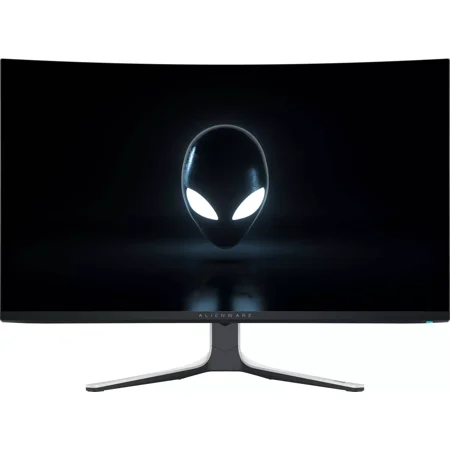
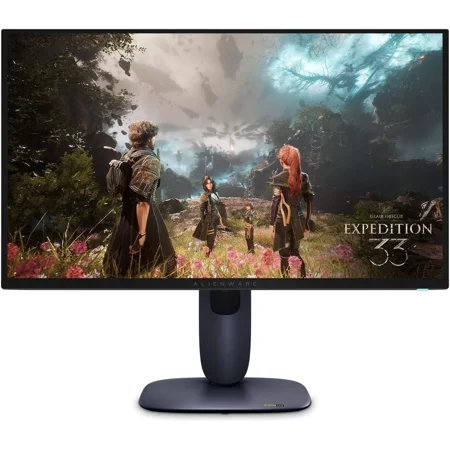

The AW2725Q puts a lot of pixels into a relatively compact space. Small details in a game, like lettering on a distant wall or the edge of a thin cable, can look more defined at 4K. On the desktop, high pixel density can also make menus feel small at default settings. If you read a lot on the same screen, leave room to adjust display scaling to your normal viewing distance.
The refresh ceiling gives faster games space to run well above standard desktop speeds. Reaching it at 4K depends on the game and computer. If you play graphically demanding titles, decide which effects you would be comfortable reducing to keep motion steady. Buyers running older hardware who primarily want higher frame rates may get more use from a lower-resolution screen. The guide to choosing a monitor explains how to weigh those priorities.
QD-OLED is appealing if you play in the evening and want to see a small bright object against a dark scene. If most of the screen time goes to static software interfaces, weigh that workload before choosing an OLED. Check the lighting at your desk, especially if a bright window faces the panel.
Before ordering, confirm the inputs and included cables, then check which connection your system needs for the desired resolution and refresh rate together. Also measure the space needed to center the display with your keyboard and speakers.
What reviewers say
PCWorld liked the compact stand footprint and found the monitor easy to position. Its testing highlighted strong contrast, broad color coverage in SDR and good HDR brightness. The reviewer was less impressed by the physical finish and flagged the absence of USB-C video and power delivery as a drawback for laptop users. Those findings are most relevant if you want one screen for both a gaming PC and a work laptop, since the second machine may need its own power and display connections.
Sources: PCWorld