
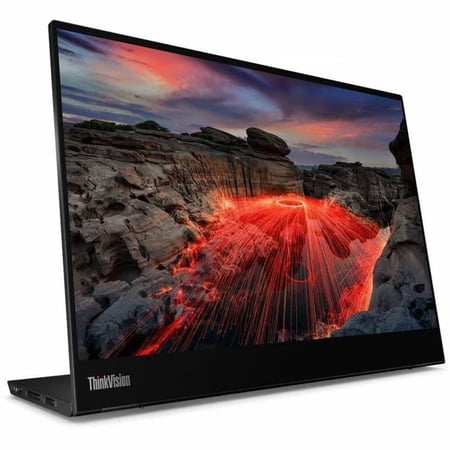
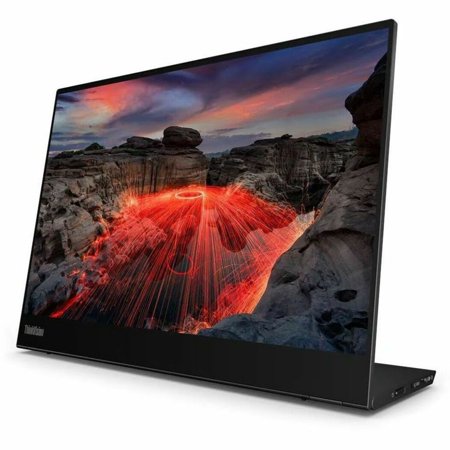
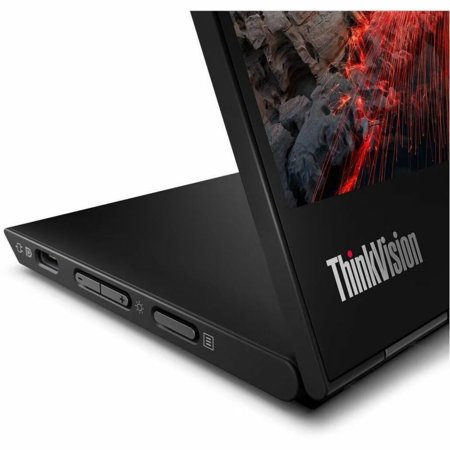
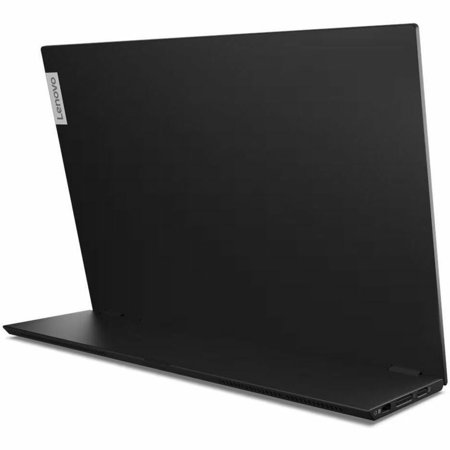

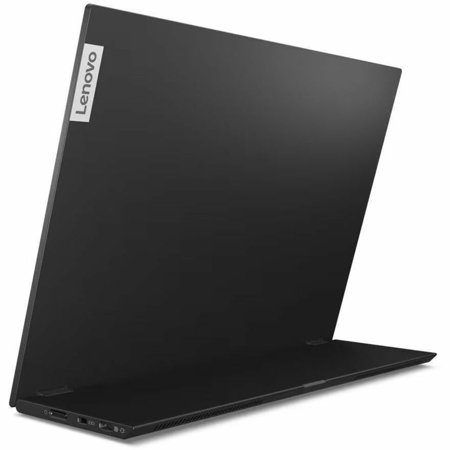
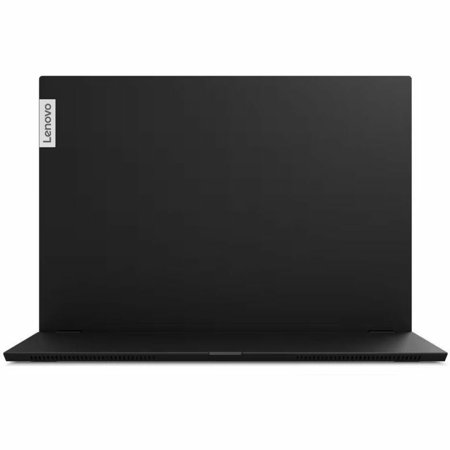

A portable monitor works best when you give it a specific job. Put a reference document there while writing on your laptop, keep a tool palette open beside a canvas, or use it to preview material during a meeting. The 14-inch size can fit alongside a laptop on a small table. If both screens need to show large spreadsheets from a distance, a fixed desktop monitor may suit the work better.
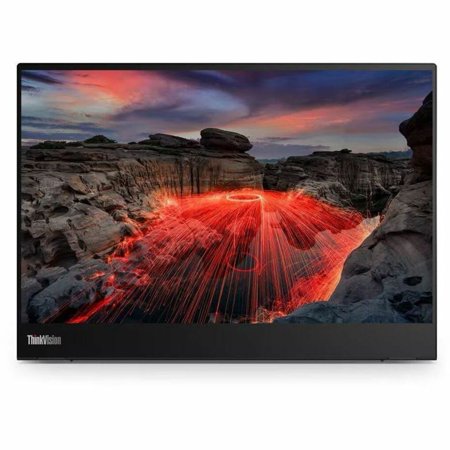
The 2240 x 1400 panel uses a 16:10 shape. The extra vertical room compared with a wider screen of the same diagonal is useful for reading or portrait material. Small interface elements can still need scaling at this size. Check how your operating system handles scaling separately for each screen if you plan to move windows back and forth.
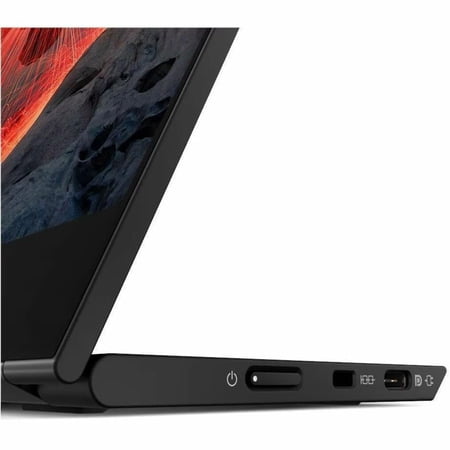
The listing specifies capacitive multi-touch and USB-C. Verify what your computer supports for external display output and touch input, especially if a dock or adapter will sit in the middle. If you expect to draw or mark up documents, confirm compatible pen types and what comes with the order before buying. The guide to laptop ports explains what a USB-C connection can carry.
Consider the space needed for the screen, its cable and your normal mouse movements. For a permanent workstation, compare that arrangement with the ergonomics of a larger height-adjustable display.
What reviewers say
TechRadar found the M14t Gen 2 useful as a second screen for creative work, especially on Windows. It noted the change to a taller aspect ratio and higher resolution than the first generation, and found that the screen suited work in both horizontal and vertical orientations. The reviewer also cautioned that the refresh rate and input latency made it a weaker choice for gaming. The review is most relevant to someone looking to extend a laptop workspace and use touch for everyday interactions.
Sources: TechRadar


