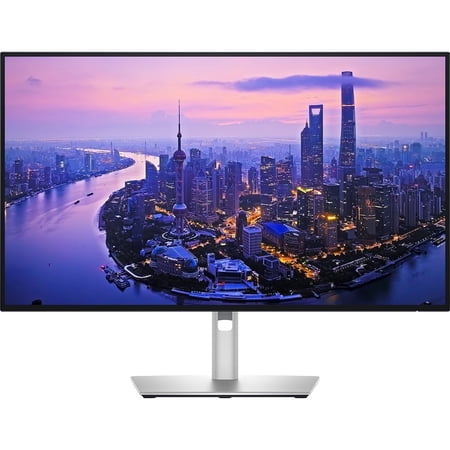
This Amazon Basics monitor suits a desk used for email, video calls and coursework. The 27-inch size makes a single document easy to read from farther back than you might sit with a laptop. Full HD gives you a familiar amount of space for a browser or a document. If you sit close and want finer text, or need a long spreadsheet and a reference page open side by side, compare a QHD screen.
A simpler desktop setup
The built-in speakers give you a way to hear a lecture or a notification without making room for separate speakers. If you depend on audio for meetings, check what you will use for a microphone and whether you prefer a headset. The listing mentions USB ports. Check their type, what they do and whether you need to connect a separate cable to use them with your computer.
At 100Hz, scrolling through notes and moving windows can look smoother if your computer sends that refresh rate. Confirm the video input on the exact 27M2020PHNA listing, since the offer title gives few connection details. If you plan to hook up a laptop through an adapter or dock, verify the maximum refresh rate that setup can deliver.
The VESA option can free up space on a shared desk. Check the hole spacing and arm rating before reusing a mount. If you intend to use the stand, measure how much space you have behind the keyboard. See the home office monitor guide for help choosing a screen for everyday work.