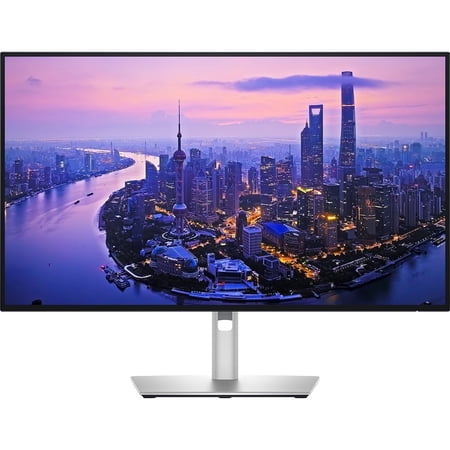
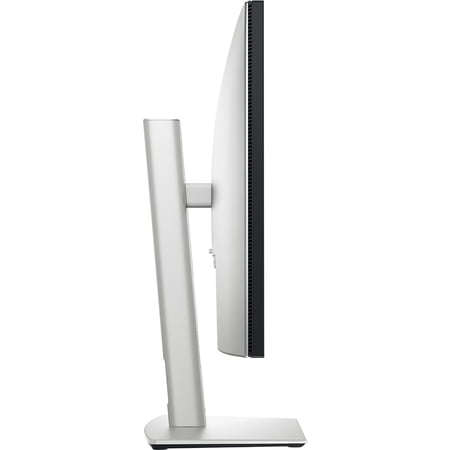
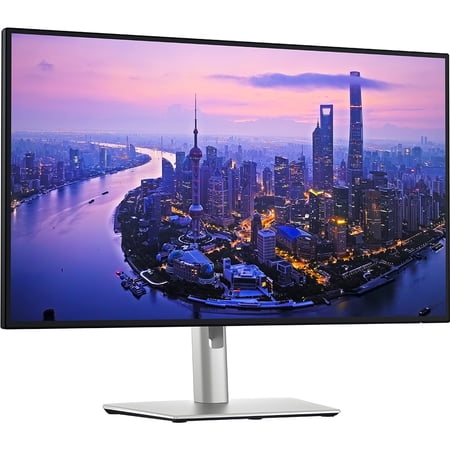
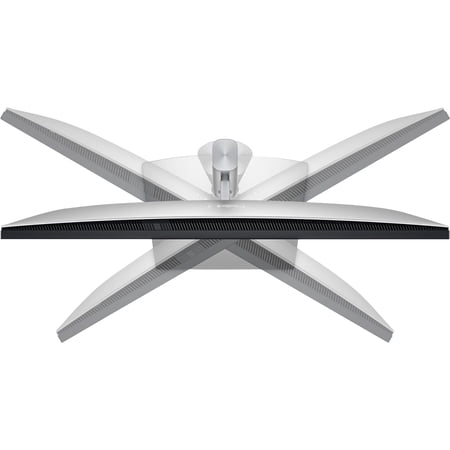

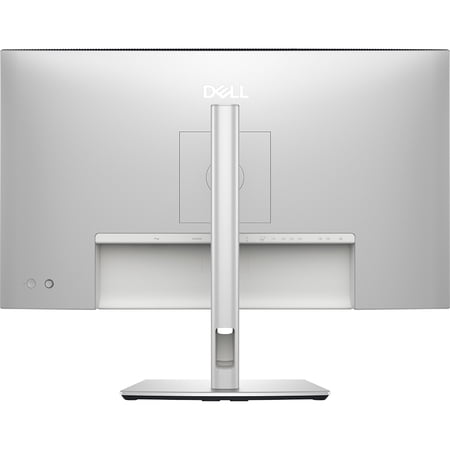
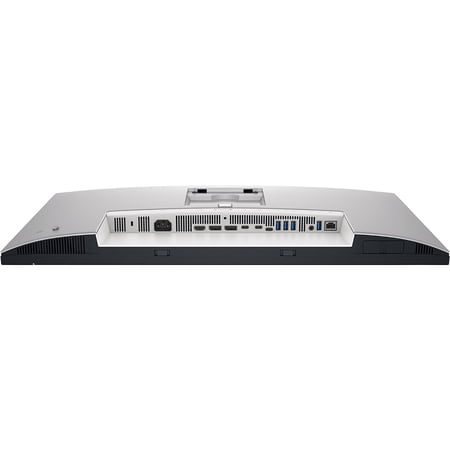
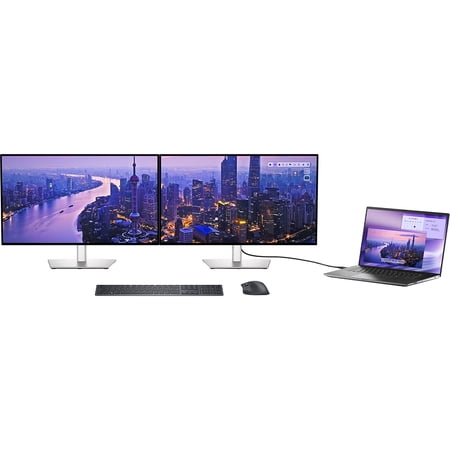

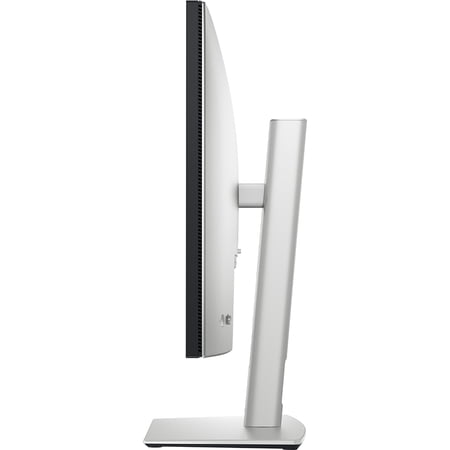
This UltraSharp is aimed at someone who docks a computer and stays at the same desk for much of the day. The listing identifies a Thunderbolt hub and includes a Thunderbolt 4 cable. Before planning a one-cable setup, check which capabilities your computer supports through its port, how much power it requires and which accessories you want on the monitor side of the connection.
Room for documents
At 27 inches, 3840 x 2160 is useful for dense text, fine grid lines and reference material alongside a main window. Set scaling for the distance you actually sit from the screen. If you enlarge the interface, some of the space for extra columns goes toward increasing legibility. The 120Hz refresh rate can make scrolling through long documents easier to follow when the computer outputs that rate.
IPS Black is the panel technology here. The name refers to the display, so check separately if the finish of the frame matters to your setup. Buyers assembling a desk specifically for competitive games should compare measured motion behavior instead of shopping by refresh rate alone. The student and home office monitor guide covers features worth prioritizing for work.
Confirm the display modes your laptop supports through its chosen connection. If you plan to add another display later, verify how the computer handles multiple external screens and whether your intended cable arrangement supports them.
What reviewers say
RTINGS found this Dell particularly well suited to office work, citing sharp text, a flexible stand and useful connectivity. The lab found it bright enough for most workspaces but less effective against direct reflections. It also measured slow pixel transitions and saw movement blur despite the 120Hz refresh. Wide color coverage was a positive for editing, although the lab improved accuracy by calibrating the monitor. The overall results favor text-heavy work and slower games over fast gaming or judging HDR highlights.
Sources: RTINGS