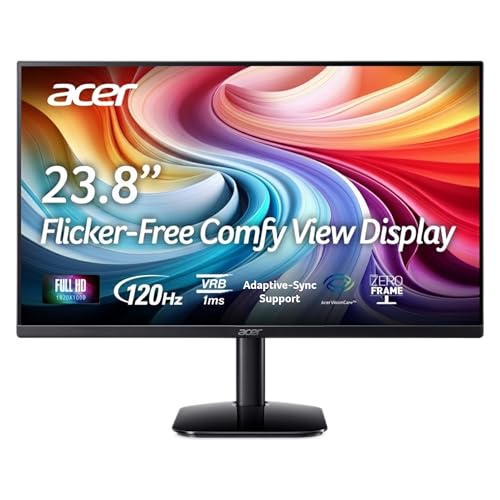


The KA242Y G0bi suits a home office or study desk where you tend to focus on one window at a time. Its size gives a report or browser more room than a typical laptop screen without taking over the desk. Full HD works well for writing, video lessons and email. If you regularly keep a wide spreadsheet open beside a reference document, a higher resolution gives you more room to work before you have to scroll or shrink the text.
What the extra refresh does
At 120Hz, scrolling through a long page and dragging windows can look smoother when the computer outputs that refresh rate. AdaptiveSync is more relevant if you also play games. With a compatible source, it lets the monitor follow changes in frame rate and can reduce tearing. The IPS panel is handy when you share a document with someone sitting beside you because the picture tends to hold up when viewed from an angle.
Check which input supports 120Hz and AdaptiveSync with your computer. HDMI may be the simplest route for a recent laptop, while VGA is useful if you still have an older desktop. If you connect through a dock, check its output limits as well.
For an arm mount, confirm the VESA hole spacing and the screws you need. If you plan to keep the supplied stand, check its adjustment range against your seated eye level. The monitor guide for students and home offices can help you decide how much screen space you need.