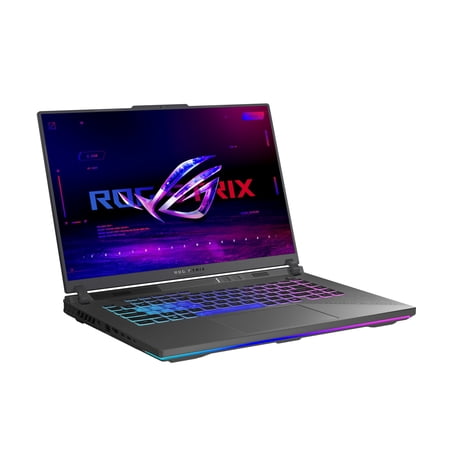


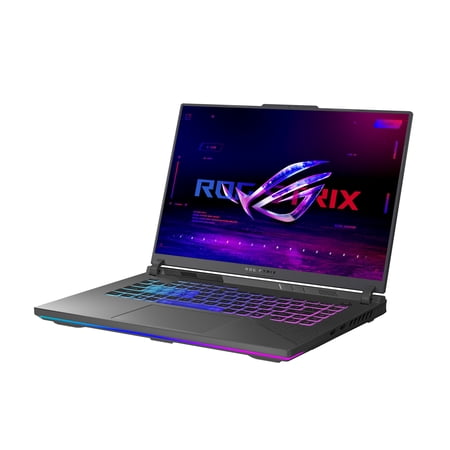
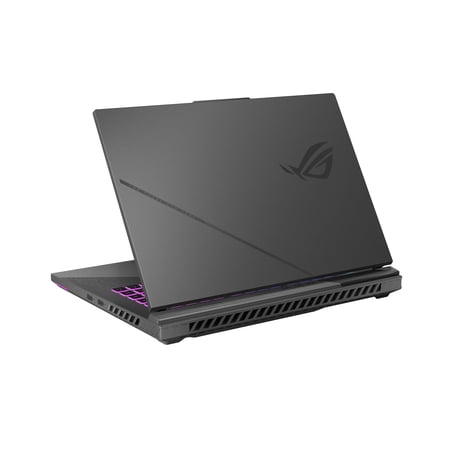
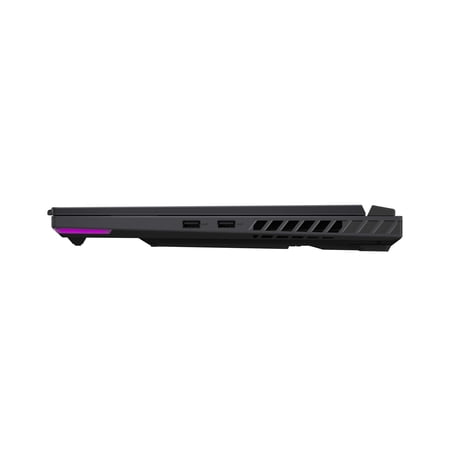

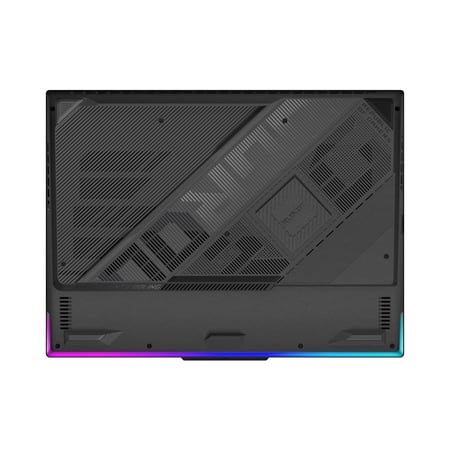
Choose this AMD Strix if your work is CPU-heavy and you want to game at the built-in WUXGA resolution afterward. The Ryzen 9 9955HX has a different job from the RTX 5060. Game visuals are usually limited by the graphics chip before the processor in demanding scenes.
The configuration has 16 GB RAM. For ordinary multitasking that is a workable amount. You can switch between a call, notes and an active browser without allocating the whole machine to any one of them. More demanding tools, such as a virtual machine or a complex video project, call for more headroom.
Space for work and files
The 165Hz screen is useful in games that can produce frames quickly. A CPU-intensive task can make good use of the 9955HX, but a demanding game at high visual settings will also depend on the RTX 5060. Compare a stronger GPU if you mainly want heavy ray tracing or plan to add a high-resolution monitor.
The 1TB SSD is useful for keeping active files with you. Game files, recorded footage and project exports add up separately. Compare your own library with the free space you expect after setup. If you swap out games often, the amount you need will be different from someone who keeps several big titles ready at all times.
Match the Ryzen listing carefully. Similar Strix names cover Intel and AMD systems, and review results for more expensive graphics options can give a misleading picture of this one. Use the gaming laptop guide to decide which compromises matter for your setup.
What reviewers say
Ultrabookreview tested the AMD Strix G16 with the same Ryzen 9 9955HX but an RTX 5070 Ti and a different display. The site found that the machine cooled well through extended games and work tasks, and liked the keyboard and connections. Ultrabookreview also pointed out that the AMD chassis lacks some design changes found on the similar Intel refresh. The chassis comments help when comparing these systems. Game and screen results depend on the graphics and panel used in the review.
Sources: Ultrabookreview