Aim for steady motion
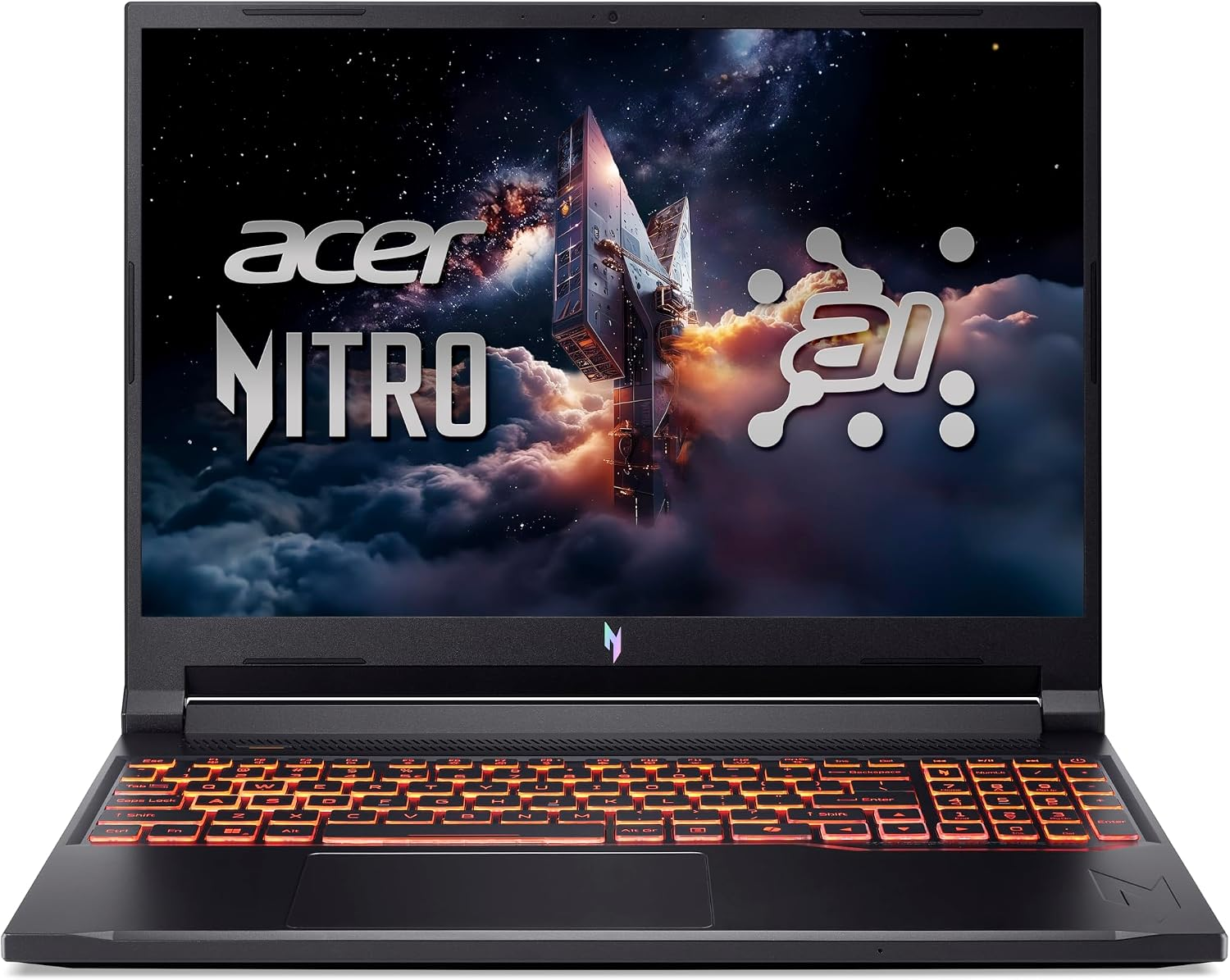
This Nitro makes sense if you mainly play on the built-in screen and care about how smoothly the view moves when you turn or track a target. At 1920 x 1200, the graphics chip has fewer pixels to draw than it would on a 2560 x 1600 panel. You also get more vertical room for long pages and menus than on a standard 1080p display.
The refresh rate sets the ceiling for how often the screen can update. The frames you actually see depend on how quickly the game can draw them. In a competitive title, a stable frame rate may matter more than reflections or shadows. For a slower game, you may prefer the more detailed setting. If you mainly plan to play on a higher-resolution external display, use the guide to choosing a gaming and work monitor and compare GPU performance at the resolution you will use.
The listed drive capacity lets you keep several games installed alongside school files, but space for updates and recordings counts too. If you stream or edit with several apps open, check their memory requirements and whether this configuration can be expanded. For regular use in a quiet room, look into fan noise under load before choosing.
Confirm the exact model, panel and graphics configuration on the store page. If the laptop will leave Germany, check the plug and the listed German keyboard, and find out who handles warranty service and returns from your country.
What reviewers say
LaptopMedia reviewed the Nitro V 16 AI in a different configuration with the same listed resolution and refresh rate. The reviewer found the chassis felt firm and resisted fingerprints. LaptopMedia also liked the trackpad’s generous size and found the inclusion of a dedicated number pad practical for work. The display was a weaker point in its tests. LaptopMedia measured a narrow range of colours on its panel, which is worth checking if you also plan to make colour decisions on the built-in screen.
Sources: LaptopMedia