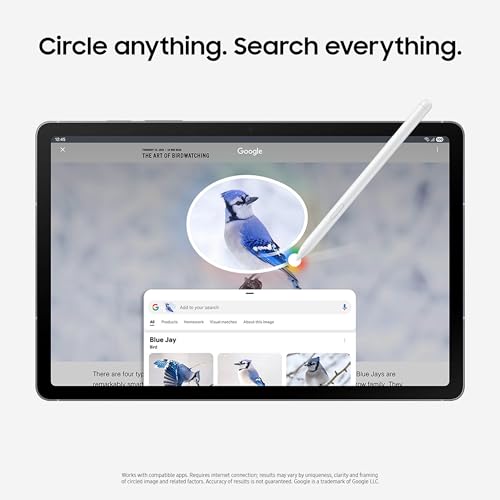
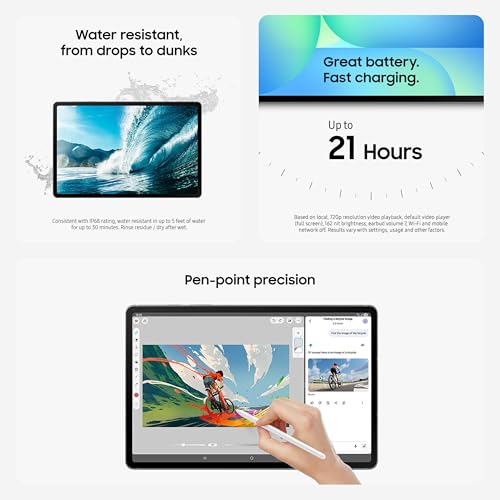
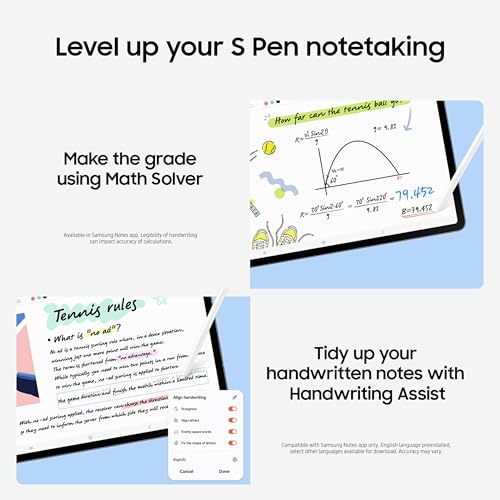



The Galaxy Tab S10 FE+ suits someone who usually sets a tablet on a table. There is room to keep a sheet of music readable, look at a reference image while sketching or mark up a full page with the S Pen. If you mainly read standing up on public transport or hold the screen in bed, a smaller tablet will be easier to handle.
Give the screen a job
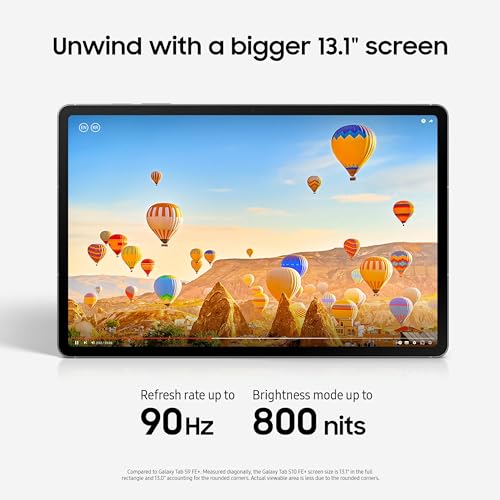
You get more from that 13.1-inch panel when you use the space. A lecture video can share the screen with notes if both apps support it. A drawing app can keep its tools visible without taking up as much of the canvas. The 90Hz refresh rate can make scrolling a score or a reading list look smoother. It tells you little about how fast a demanding game will run, so check the game’s requirements separately.
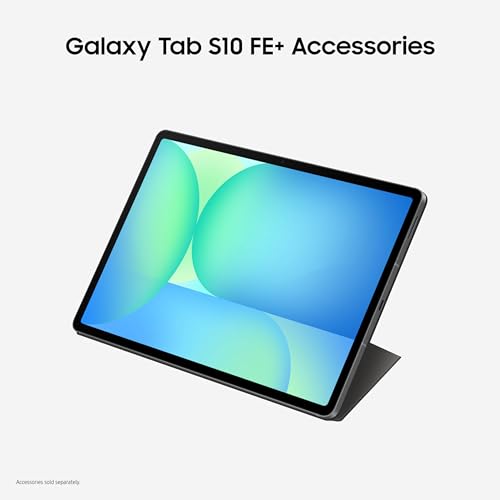
For work away from home, plan around the Wi-Fi connection. Save reference files in advance and check which apps let you work offline. If you plan to type often, confirm that a compatible keyboard and stand give you enough room on the desks you use. Also verify memory on the listing if you regularly switch between several large files or apps.
Match SM-X620NZSNXAR to the selected store option, since the FE and FE+ have similar names. The tablet guide for notes and media is a starting point if you’re weighing a larger writing area against something easier to carry.
What reviewers say
TechRadar found the large display bright enough to use outdoors and liked how much space it left for video and multiple windows. The site found that Samsung’s DeX layout took advantage of the screen, with enough room to work across apps. TechRadar also liked the solid construction, though the tablet felt hefty when held for extended use. The site was less impressed by inconsistent performance. That matters more when you plan to lean on the tablet for heavier apps than when you mostly read, stream or take notes.
Sources: TechRadar