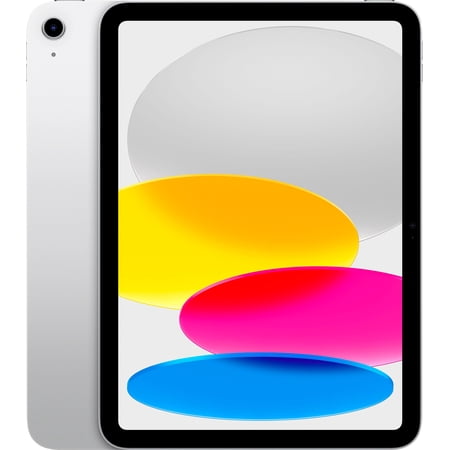


This Alexa Tablet 11 is a fit if you use a tablet for travel as well as around the house. The 128GB configuration leaves more room than the 64GB option for downloaded shows, illustrated books and documents you need away from Wi-Fi. Check how much room your apps and downloads take on your current device. That gives you a better starting point than counting how many apps you have.
The screen gives a PDF more room to show a whole page, and the 90Hz refresh rate can make movement look smoother as you scroll. The 8GB of memory is useful when you switch from a reference document to the browser and back. Extra storage has a different job. It lets you keep more files on the tablet without making a busy app run faster.
Before you replace a laptop
If you mainly want to watch, read and answer messages, this setup makes sense. Skip it if you need a specific desktop program or spend most of the day typing long documents. If handwritten notes are part of the plan, check active pen support and whether the pen is included. Check accessory compatibility for this exact model, especially for a case that needs to hold the screen upright while you type.
Select the 128GB option on the store page. The tablet guide for reading, streaming and family use can help you decide whether to prioritize screen space or a smaller device.
What reviewers say
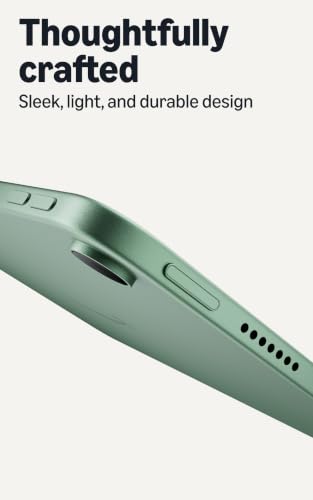
BGR reviewed the Alexa Tablet 11 without specifying which storage option it received. The site liked the build quality and found that navigating the interface looked smoother than on the smaller Tablet 8. BGR found the speakers clear enough for casual listening and the cameras adequate for routine calls in good light. The site saw heavy multitasking as a weak point, so its impressions of everyday browsing and video are a better guide for this model than its suitability for intensive work.
Sources: BGR