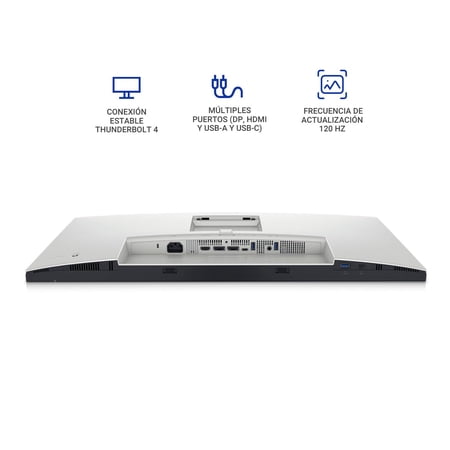

Think about your arrival routine at the desk. If you currently connect a display and several accessories one at a time, a monitor with a Thunderbolt hub gives you a place to consolidate those connections. The U2724DE listing includes a Thunderbolt 4 cable, a DisplayPort cable and a USB upstream cable. Which of them you use depends on the ports and capabilities of your computer.
Make a list of what needs to stay connected, including a webcam, keyboard or external drive. Check the monitor’s exact port layout against that list. For a laptop, verify charging support and requirements as part of the same check. A workstation with two computers has a different set of needs, so look up how switching between them works before you route every cable through the monitor.
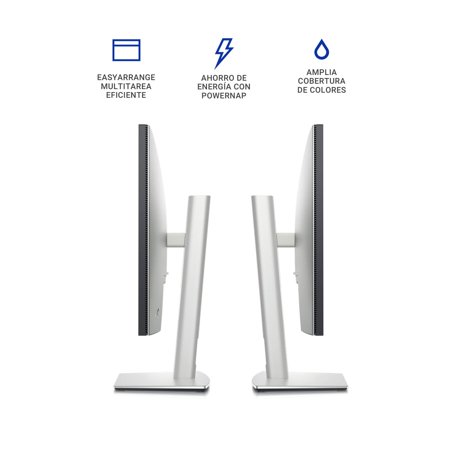
A 27-inch screen gives a single desk display room for everyday work, such as keeping a call beside a calendar. If your work requires a specific resolution or color mode, confirm those details independently of the hub features. Buyers who already have a dock they like and just need a screen may get more use from comparing panel performance and stand adjustment first. The monitor buying guide can help prioritize those details.
Before ordering, check that the model number ends in DE. Measure the stand area and decide how you will route connections while leaving enough cable slack to reposition the display.
What reviewers say
PCWorld praised the U2724DE for the variety of devices it could connect over Thunderbolt and USB. The reviewer also found that the IPS Black panel improved contrast and that 120Hz made motion look smoother. Its reservations included the lower resolution relative to 4K alternatives, the lack of HDR, and limitations in adaptive sync. That combination makes more sense for someone who values the hub on a working desk than for someone shopping mainly for HDR playback or gaming features.
Sources: PCWorld