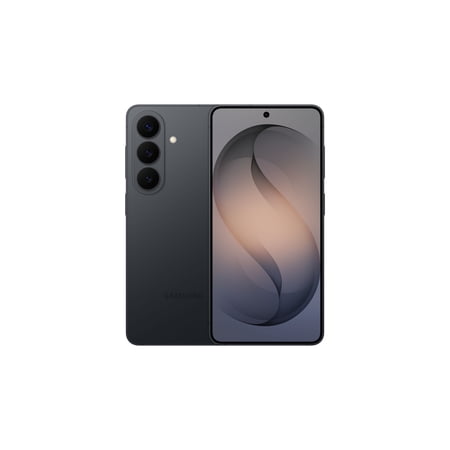


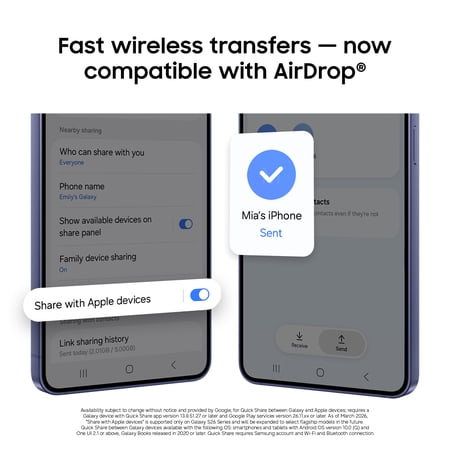

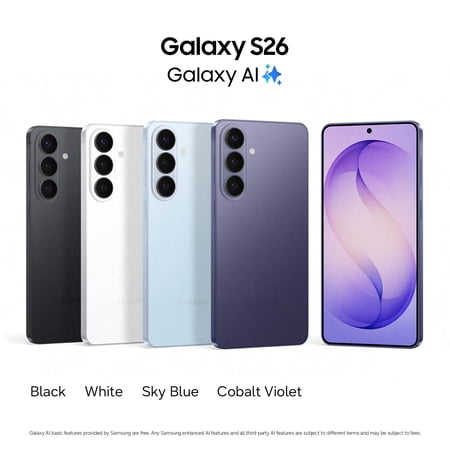
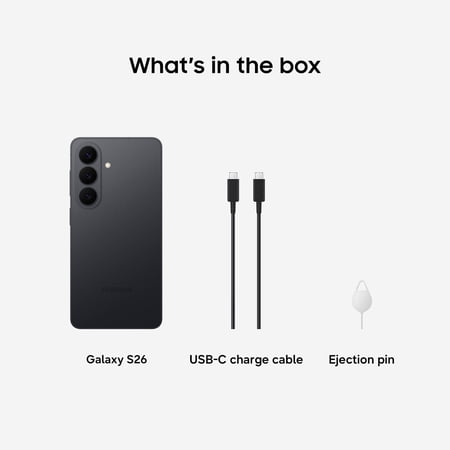
Choose the standard Galaxy S26 if you want to compare a more compact option in Samsung’s flagship lineup. The black unlocked version here lists 256GB of storage, which matters if you prefer to keep albums and travel downloads on the phone. Check how much space your current apps and camera library use, especially if you’re planning a direct transfer during setup.
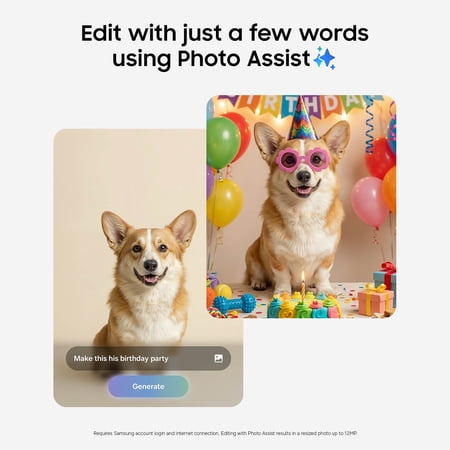
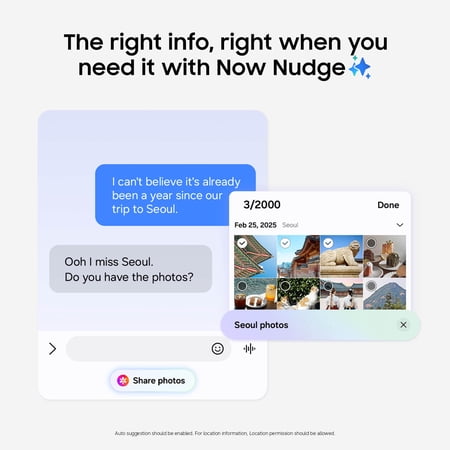
The listing highlights Galaxy AI for creative tasks such as working with pictures and sharing. If one particular tool is the reason you’re switching, check how you would use it. Availability can depend on the feature, your account and your language. For trips, it helps to know which tasks still work when you have intermittent data service.
Two checks before ordering
Confirm the seller’s full model number and check it with the network you intend to use. An unlocked listing gives you a starting point. Your carrier’s activation policy, device support and coverage determine the experience on your line.
Give the screen a test with the font size you normally use if you regularly edit photos or read documents. People who spend hours doing either may prefer a larger model. If your existing phone is still serving you well, use the guide to previous-generation phones to decide whether a move to the S26 will change your routine enough to justify switching.
What reviewers say
Tom’s Guide liked how much performance the standard Galaxy S26 delivered in a light body. The review also explored Samsung’s AI tools, with attention to features that suggest actions or help with routine tasks. It weighed those strengths against competing flagships and the small practical gains for someone who already has a recent device. For a buyer choosing between sizes in the S26 lineup, the review’s observations about carrying and using the standard model are more relevant than its benchmark tables alone.
Sources: Tom’s Guide