
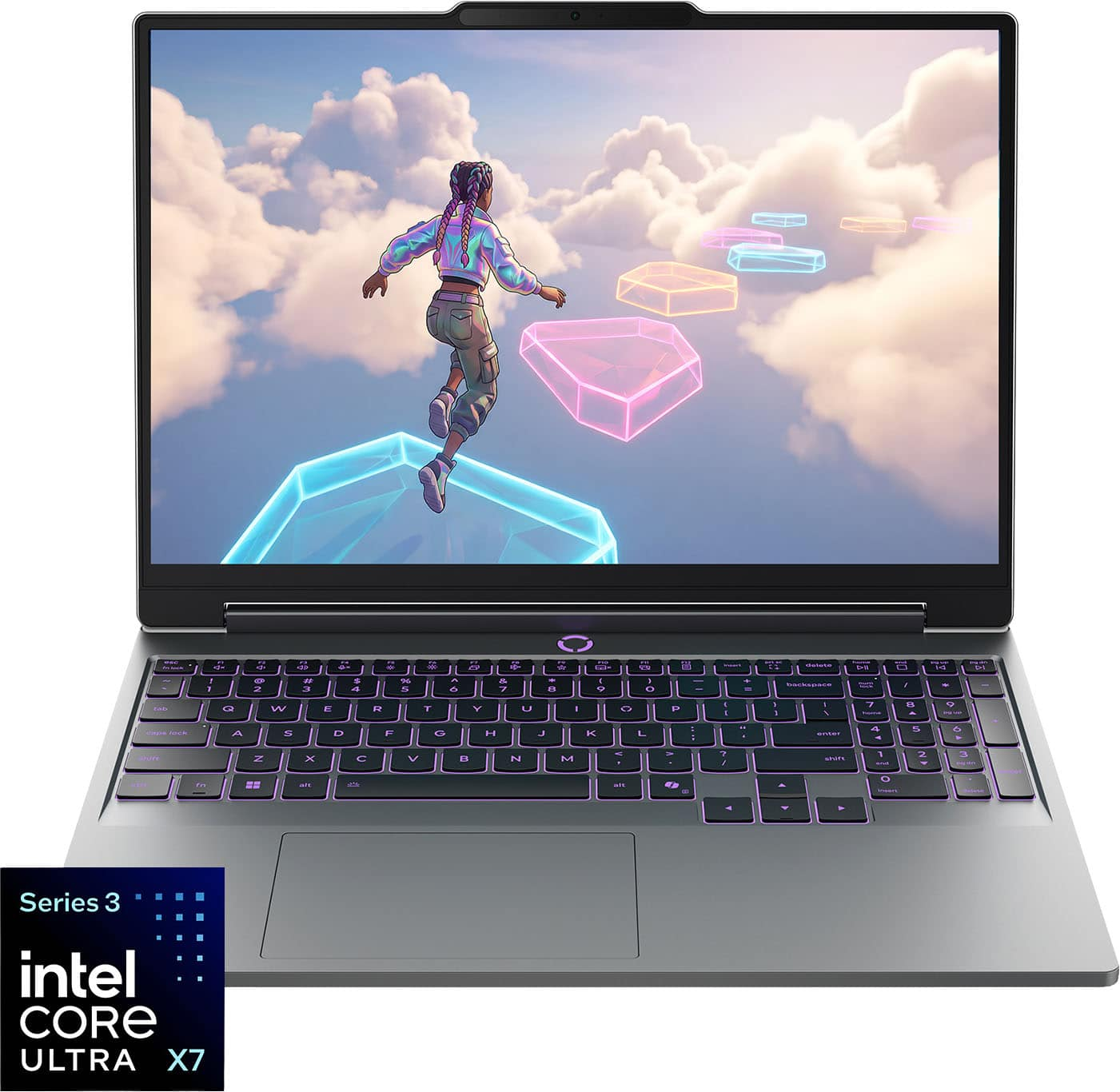
The LOQ Essential is for someone who splits time between ordinary work and lighter PC games. The Arc B390 is integrated graphics, so check performance for your specific games and settings. A sharp 2K desktop is useful for browsing and documents, but you can render a game at a lower resolution to ease the graphics workload.
For games with large texture packs, check how they behave with integrated graphics and shared memory before making this your main gaming machine.
Gaming and creative work
When comparing game performance, use the resolution you actually plan to play at. More pixels increase the work for the GPU, and elaborate lighting or shadows can add further load. For quick multiplayer rounds, start with settings that produce consistent motion. For slower games, you may prefer sharper textures or more visual detail.
The drive is a bigger constraint if you play several large games at once or record footage locally. The operating system and updates take their share before game installs, add-ons or captures. Add up the space needed for your regular rotation and leave room for patches. Consider more storage if you already know you will keep several big titles installed.
Check the selected listing for the exact graphics and display configuration. Laptop GPU names alone leave out details such as power limits. Those can matter when you compare two machines built around the same graphics chip.
See the guide to laptop graphics to compare graphics options.


