

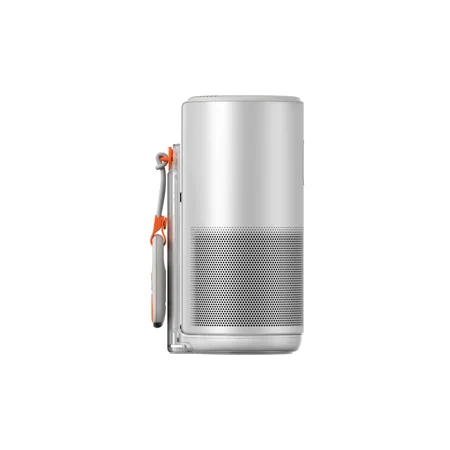

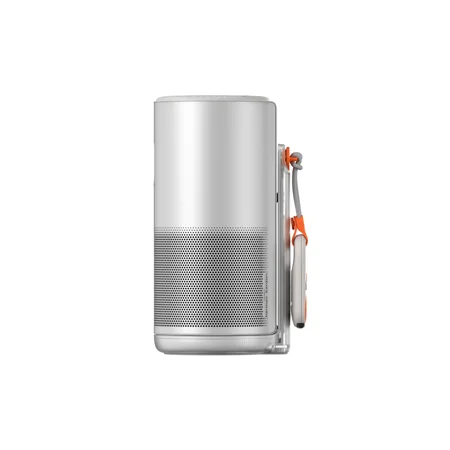
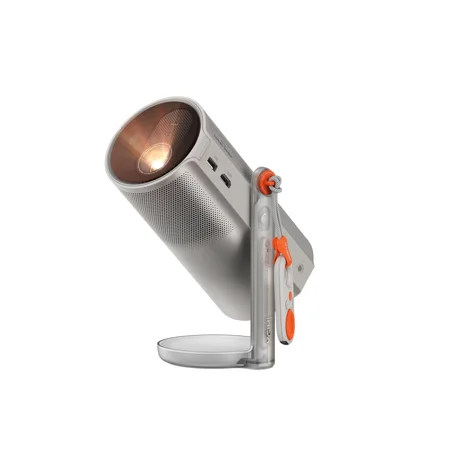
The MoGo 4 Laser is for a screening you can set up and put away in the same evening. The built-in battery and rotating stand are useful when the projector moves between rooms. The offer includes four filters. For a movie, the more important question is whether you have a dark, flat surface and a stable place for the projector where nobody will walk through the beam.
The listing quotes 550 ISO lumens. A smaller picture concentrates that light, so try sizing the image around the seats you actually need. If daytime viewing is the usual plan, or if you want a permanent screen for a large group, look for a projector intended for that room and lighting. This setup is better suited to a bedroom wall or a patio screening after dark.
Plan for the end of the film
The advertised movie time is two and a half hours. Check the conditions behind that figure, especially the brightness setting, and decide whether you will have a power outlet nearby for longer films. The listing names Google TV and licensed Netflix. Check Wi-Fi reception at the intended location and verify your playback options if the network is unreliable. If you plan to use a laptop as a source, consult the guide to laptop video outputs and verify the projector input and any adapter you need.
What reviewers say
PC Gamer found the MoGo 4 Laser easy to carry and flexible enough to set up for several kinds of viewing. Its reviewer preferred using it in the dark and was able to get through a long movie on battery. The site particularly liked that keystone correction still worked in gaming mode, which helps when you cannot aim straight at the screen. PC Gamer also discussed a separate battery stand as an option for longer sessions.
Sources: PC Gamer


