


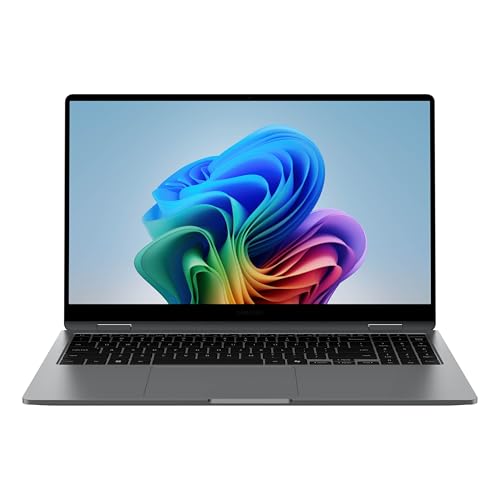

This Galaxy Book5 360 is for students who switch between typing and reading throughout the day. Keep it in laptop mode for writing a report, then fold the keyboard back to share a slide or annotate a reading. The screen is large enough to read a handout at a desk without leaning in. If you expect to cradle it like a tablet for long stretches, try that with a similarly sized device first.
What to expect from Full HD
Full HD is a practical fit for streaming and reading documents at normal zoom. The AMOLED panel gives dark scenes deep blacks. If you often want a long PDF and a notes app side by side, a higher-resolution panel is worth comparing for sharper text at smaller sizes. See the laptop screen guide if you also want to compare panel types.
The 16GB of memory fits a routine of browser tabs, office software and a call. Check the actual requirements for any design, engineering or editing tools your course assigns. Students who spend a lot of time rendering or who want to play demanding games should look for a machine built for those workloads. If your classes involve collecting footage or other large files, plan how to split those between the 512GB of storage and an external archive.
Check whether the seller includes a compatible pen if handwriting is part of your plan. Verify the ports for presentation equipment, and check the dimensions if you carry a laptop alongside textbooks.
What reviewers say
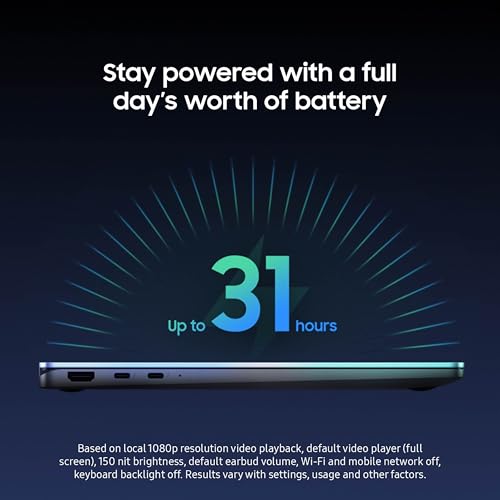
Les Numériques tested the Galaxy Book5 360 with a 1TB drive. The site liked the firm hinges, keyboard and touchpad. Les Numériques found the screen well calibrated but flagged reflections from its glossy surface, a consideration if you work under overhead lights. The site reported long battery life in its streaming test and found everyday office work comfortable. Les Numériques found demanding video exports and 3D rendering slower than it would want for regular creative work.
Sources: Les Numériques