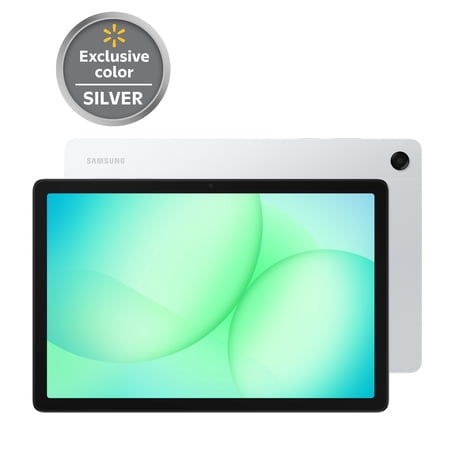
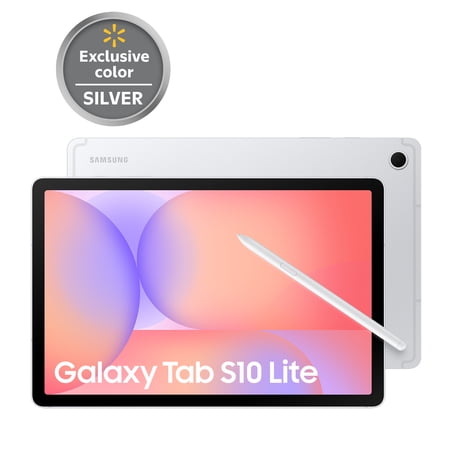
The Galaxy Tab S11 fits someone who switches between reading, streaming and work throughout the day and wants a screen that can still fit on a small table. The 11-inch format is easier to carry than a larger slate. If your usual setup is a full document beside a spreadsheet, the smaller workspace may make a larger tablet or laptop a better fit.
Where the display and memory help
The AMOLED panel can turn pixels off in dark parts of a picture. That helps when you watch a film with dim scenes, especially in a darker room. For reading beside a bright window, check how much glare the exact screen shows. The guide to OLED and IPS screens explains what to look for when comparing panel types.
With 12GB of memory, there is room for apps to stay open while you move between browser tabs, messages and project files. The 128GB internal storage is a separate limit. Use microSD expansion for compatible files such as a local video library, and check where your apps store their projects before counting on a card for everything.
The SM-X730NZANXAR listing is a Wi-Fi model, so think about when you’ll need a hotspot or offline copies. If the tablet will double as your main computer, verify that your Android apps have the tools and export formats you need. Check separately for a keyboard or stand that works with the exact model and fits the way you type.
What reviewers say
TechRadar reviewed a gray Galaxy Tab S11 and found it handled browsing, video and light work without distracting stutters. The site also ran a demanding mobile game smoothly and found that the tablet remained comfortable to hold. TechRadar liked the way the S Pen moved across the glass and found palm rejection effective. Finger gestures were a different experience for TechRadar. The site found the glass dragged under a finger and preferred the navigation buttons for moving between apps.
Sources: TechRadar