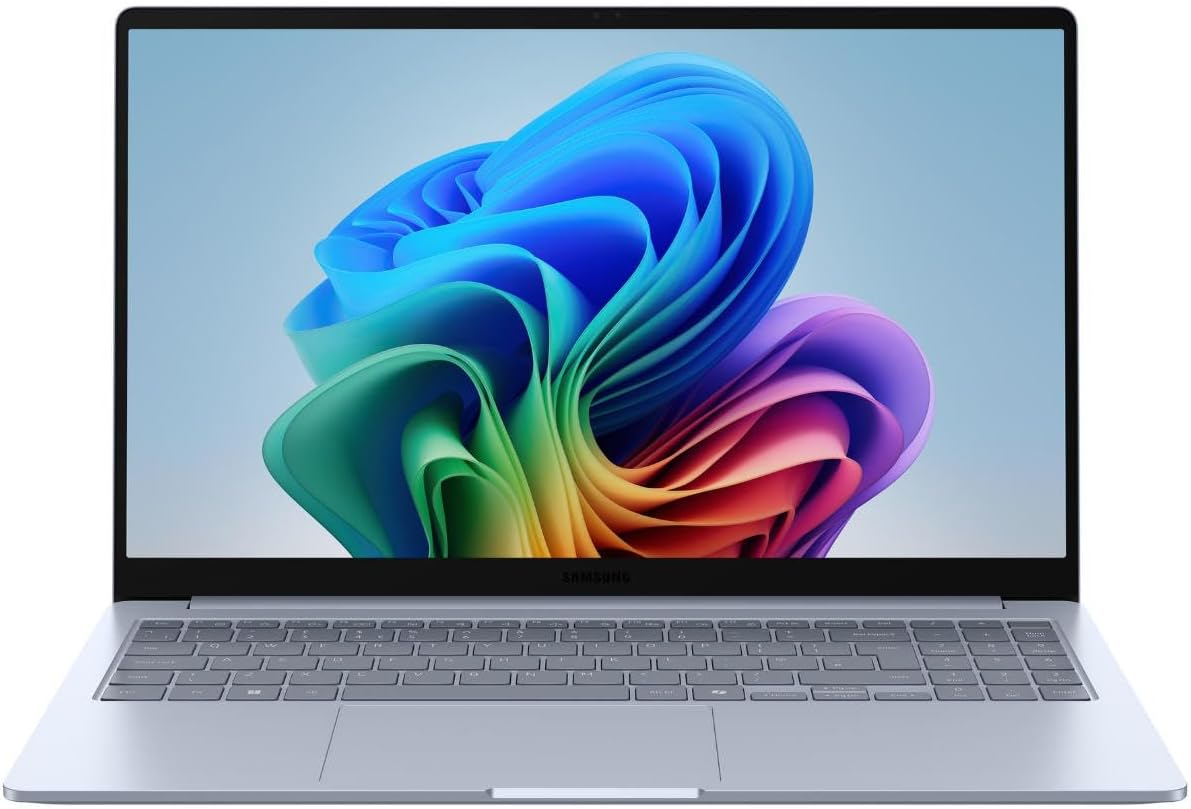
The Galaxy Book4 Edge SE makes sense for students and home users who often work with a document and a reference page side by side. The 15.6-inch format gives you room to arrange them without constantly switching windows. If most of your work happens on a train tray or a tiny lecture desk, measure the space you have and compare a smaller model.
The memory capacity is useful for leaving a browser, a calling app and coursework open together. The listed storage gives you room to keep downloads and class folders available offline. If you move large video files between devices, find out what type of storage the seller specifies. Capacity tells you how much you can keep, while the storage type matters when you copy large folders or work from them. The guide to storage types explains what to look for.
Verify the model code before ordering
Check that the store page shows the SE variant and the stated capacity for the option you select. Confirm the processor, operating system, exact screen resolution and connections. If you rely on a course app, an exam browser or an older printer, check support for that exact setup with the software or device maker. Buyers who need a screen for color correction or a machine for demanding games should compare models with documented display coverage or graphics performance. The listing gives too little detail to judge either use.