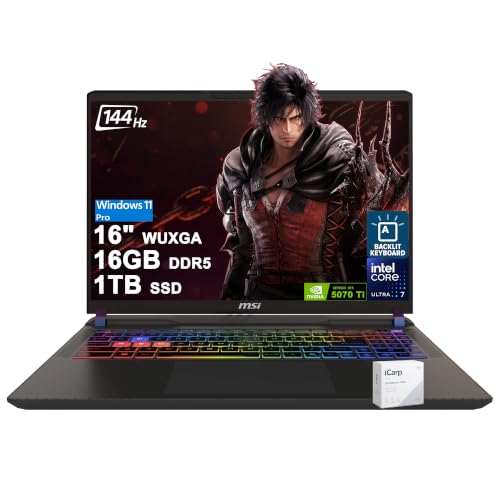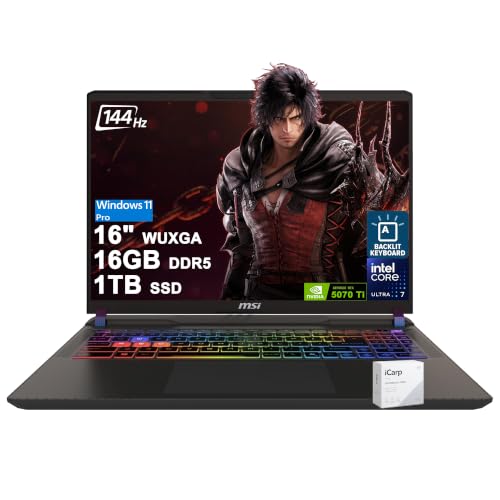
The Vector 16 HX AI fits buyers who need GPU performance for modeling, rendering or gaming and can work with a WUXGA panel. The card lists 45% NTSC, which makes a verified color-accurate display worth considering for final grading. The built-in screen is more suited to editing layout and preview than judging subtle color differences.
When faster motion matters
- A 144Hz panel can refresh more quickly than a standard 60Hz screen. That helps show small changes in motion when a game supplies enough frames. Competitive games are where the difference is most likely to matter. In a graphics-heavy title, choose a balance of image detail and steady motion that feels comfortable for the game.
- A 1TB drive gives you more freedom to keep several games installed beside current work. Allow space for updates, downloadable content and footage if you record gameplay. If you shuffle between a large collection of games, total your biggest installs and leave room for temporary files. A separate archive is useful for finished video projects you rarely reopen.
Check the configuration
Confirm the memory in the selected configuration before buying for a large project. The page mentions variants up to 64GB, so verify the installed amount and check any upgrade plans with the seller.
See the gaming laptop guide to compare screen and graphics priorities.
See the guide to laptop screen types for more on choosing a panel for games and creative work.
What reviewers say
Notebookcheck reviewed the Vector 16 HX AI with its higher resolution 240Hz panel. The site found processor and graphics performance consistent under load and liked the range of connections, which includes Thunderbolt 5. Notebookcheck also found that the lid did not tilt back particularly far. The site’s comments on color and motion apply to its panel. Notebookcheck’s observations about the ports and lid are more helpful when comparing that review unit with the 144Hz listing here.
Sources: Notebookcheck