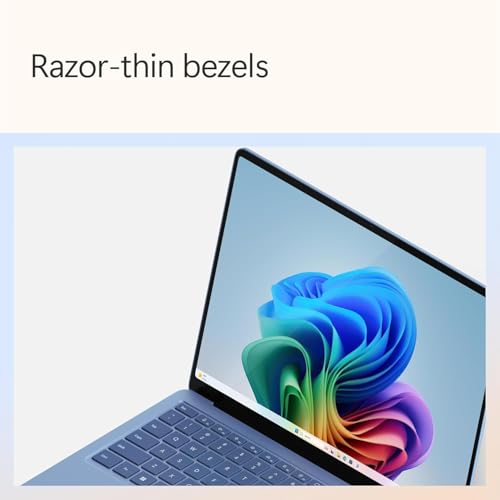


If your workday is mostly in the browser and you want to tap through slides or scroll a document by hand, the 2024 Surface Laptop is a sensible size for moving between rooms.
Living with this configuration
This version uses the Snapdragon X Elite. The 13.8-inch format works best if you swap between full-screen windows rather than keep a large spreadsheet beside a reference page. An external screen at your main desk is worth considering if you must see several windows at once.
The configuration has 16 GB RAM. That gives a browser, a document and messaging apps room to stay open together. Large image layers, virtual machines or an editor full of large assets can change the picture. Count the applications you actually run side by side before deciding whether more memory would matter.
The listed capacity is 256GB SSD. This is easier to manage with modest local files or online storage. The full listed capacity is shared with the operating system and apps. Downloaded video and photo libraries consume it much faster than notes, and synced folders can quietly keep local copies.
Check any exam software, VPN and printer drivers for Windows on Arm support before counting on this as your only computer. Use the guide to reading a laptop spec sheet to decide which compromises matter for your setup.
What reviewers say
Notebookcheck reviewed the 13.8-inch Snapdragon X Elite model with a larger SSD. The site found the touchscreen bright and the high refresh rate made the interface look fluid. Notebookcheck measured longer web browsing time when it switched the screen to its lower refresh setting. The reviewer also found that performance could vary between native Arm software and emulated programs. The portability and battery findings are relevant to browser and office work, while the results for a particular desktop app depend on how it runs on Arm.
Sources: Notebookcheck