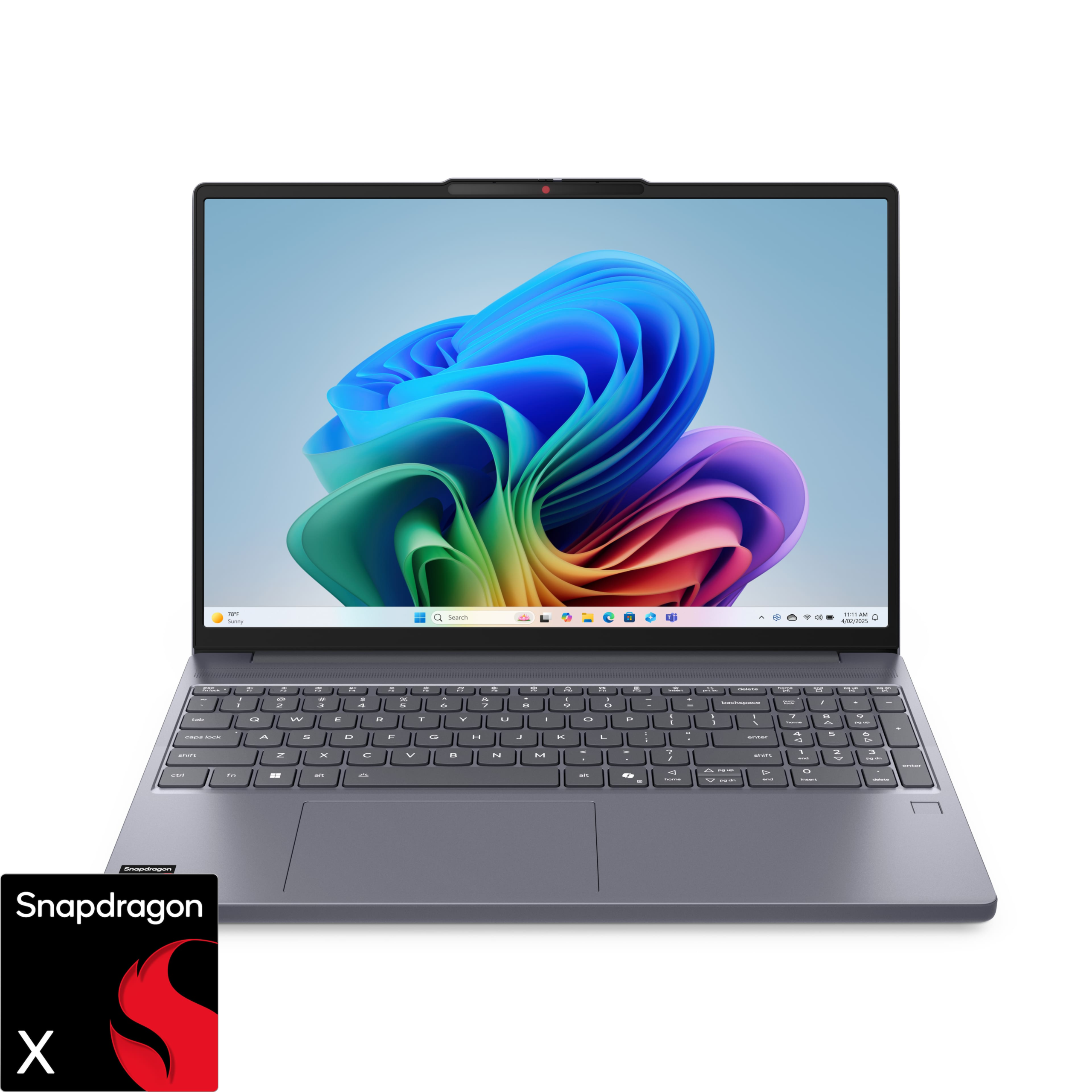
The IdeaPad Slim 3x makes sense if you spend much of the day writing, looking up references or working in spreadsheets. The 15.3-inch screen gives you space for a reading and a set of notes side by side. Its 1920 x 1200 resolution also leaves more room for rows of a spreadsheet than a 1080p screen. Touch is useful for moving through a document or tapping a control while you read.
Check the software you need
Snapdragon X runs Windows 11 on Arm. Check the exact versions of any course software, exam tools and device drivers you rely on. Look for Windows on Arm support for your printer or scanner if you need it. The guide to laptop processor names explains where Snapdragon fits. If a required app or device lacks support, skip this configuration. If your priority is gaming, check compatibility for each game and compare machines built for that workload.
Think about what you keep open and what you keep offline
The 16GB of memory gives you room to leave a spreadsheet and browser tabs open while you work in another app. The 256GB SSD is a separate limit. Windows and installed apps take up some of that capacity, so check how much space your coursework, downloads and media will need. If you regularly keep large project folders on the laptop, compare versions with a bigger drive. Confirm the exact configuration on the store page, including touchscreen support and any connections you need for your desk setup.
What reviewers say
PCWorld tested a touchscreen unit with the same listed memory and storage. The site found that it handled everyday desktop apps well and ran for a long time in a local video playback test. PCWorld found the display dim and the speakers thin. Notebookcheck also found the touchscreen dull and measured limited color coverage, which matters if you edit images for print. Notebookcheck found that the laptop stayed cool and quiet, but its graphics performance was weak.
Sources: PCWorld, Notebookcheck