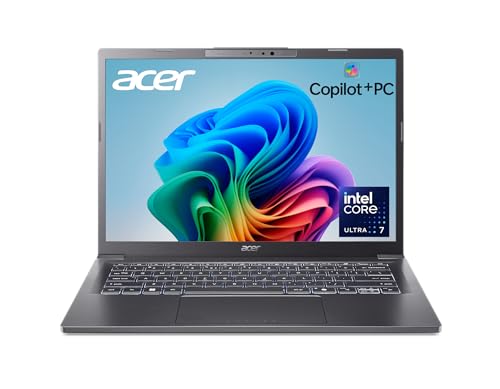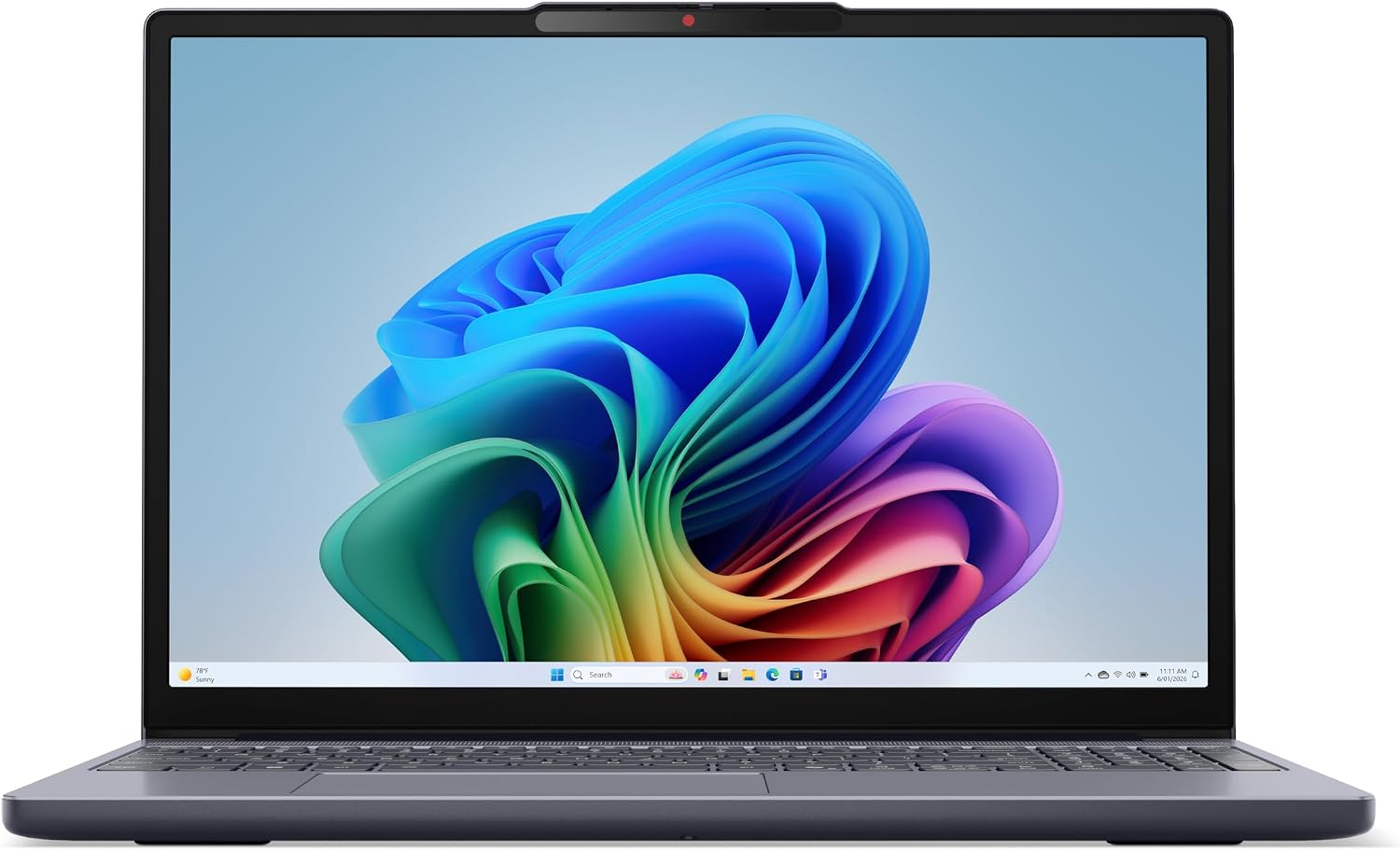
This version of the IdeaPad Slim 3i is a fit for a student who keeps multiple sources open while writing or needs room for a semester of projects offline. The touchscreen gives you a quick way to move around a map or enlarge a diagram. The 15.3-inch panel is worth choosing if you often compare documents side by side. If you commute with a packed bag and mostly type short notes on the move, a smaller screen may suit you better.
Think past the first semester
The 16GB of memory gives you room to leave reference material open while you move between a draft, a call, and a spreadsheet. If your work involves virtual machines or large data projects, check their memory requirements before assuming the supplied amount will cover them. The summary describes the RAM as upgradeable. Confirm the slot layout and supported capacity on the store page if a later upgrade is part of your plan.
The 1TB drive is useful if you download lectures or keep large course folders and their backups separate. Keep a second copy of important work off the laptop. If your courses are mainly browser-based and your files live online, you may have more reason to prioritize the keyboard or screen finish.
This is an Amazon Canada listing. If you order from outside Canada, check where the seller ships from, the keyboard layout, and whether Lenovo or the seller will provide warranty service in your country. The guide to regional laptop versions explains what to compare.
What reviewers say
Tom’s Guide reviewed the same IdeaPad Slim 3i generation with a Core 7 350 and a smaller SSD. Tom’s Guide liked being able to keep several work windows visible on the touchscreen and found the test unit responsive in everyday office use. The site also noted that its unit used a plastic case, and said the product line includes other case options. Tom’s Guide found its unit’s keyboard harder to use in dim lighting because it lacked backlighting. Confirm that feature separately on the Canadian listing.
Sources: Tom’s Guide