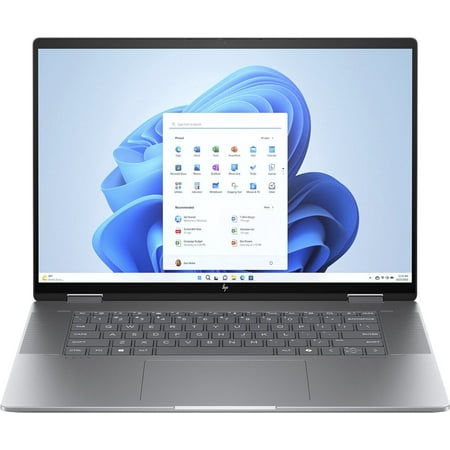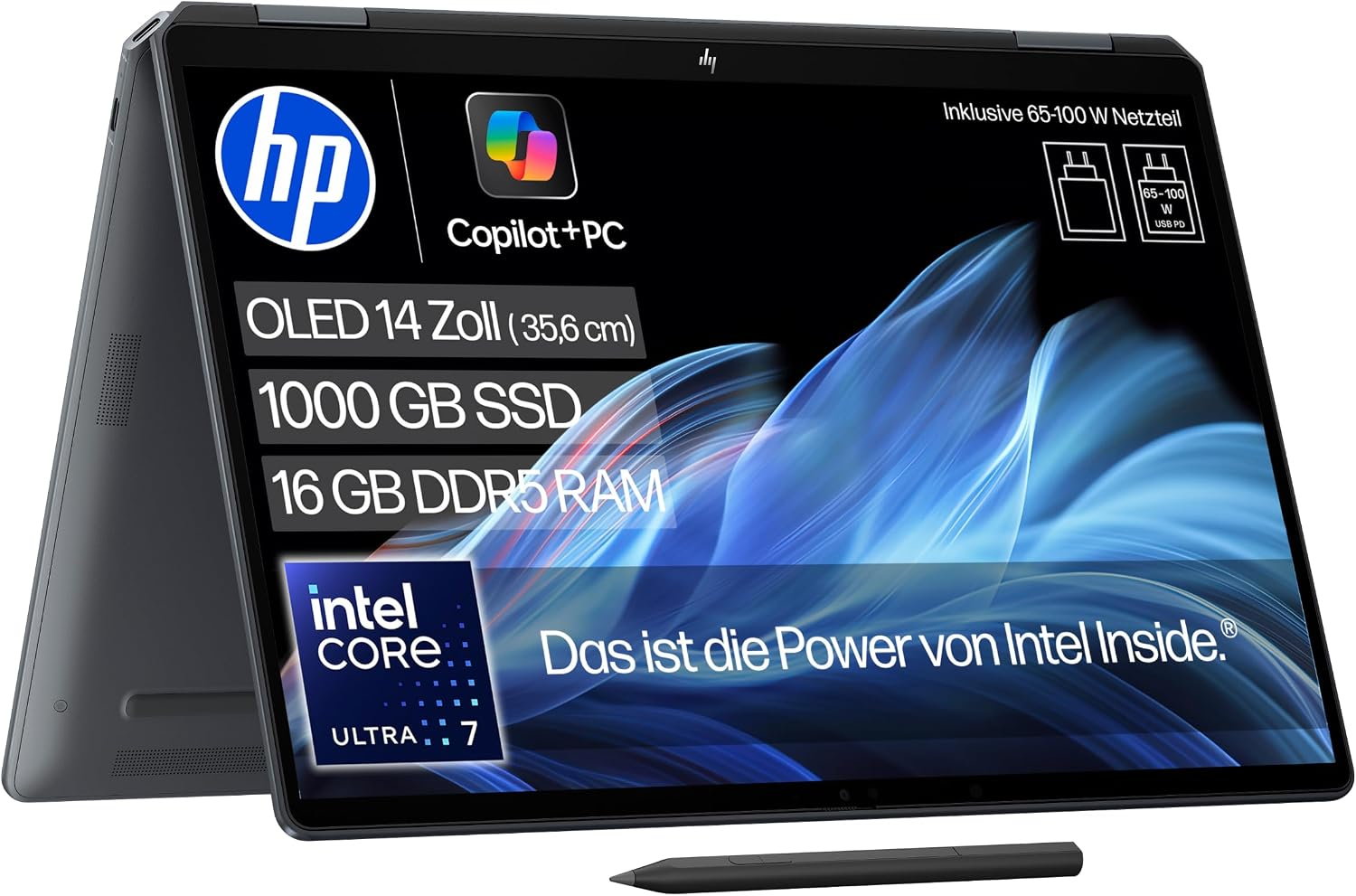
Decide how often you will fold it
A convertible is most useful when you can name the moments you will fold it back. You might prop it up to follow a tutorial on a crowded desk, or turn the screen around to show someone an image without putting the keyboard between you. If you spend the whole day typing at a desk, compare a conventional laptop. Frequent handheld reading points in the other direction, toward a separate tablet that leaves the keyboard behind.
The 2880 x 1800 OLED panel is a good fit for dark film scenes or checking tonal differences in photos. If you build layouts or spend hours inside fixed menus, look at text size, reflections and brightness for the room you work in. See the guide to laptop displays for the practical differences between panel types. If your work goes to print or a client, verify colour coverage for the exact panel and check how you will calibrate it.
The memory capacity can accommodate ordinary coursework and reference material together. If project files regularly put pressure on your current machine, check your software’s recommended memory and verify whether the listed capacity can be changed. Ask about the SSD size as well. It is absent from the listing details and matters if you keep videos or work folders offline.
Check pen compatibility and box contents if handwriting is part of the plan. For orders outside Germany, confirm the physical keyboard, charger plug, return address and warranty service in your country.
What reviewers say
Notebookcheck tested the version with a Core Ultra 7 258V processor. The site found the chassis lighter than it expected for this type of convertible and judged the processor a good match for a machine built to move around. Notebookcheck also highlighted the sharp OLED touchscreen. The reviewer noted that the machine has limited room for built-in connections and pointed to the absence of a USB-A port on its unit. That is worth checking if you travel with older accessories you need to plug in directly.
Sources: Notebookcheck