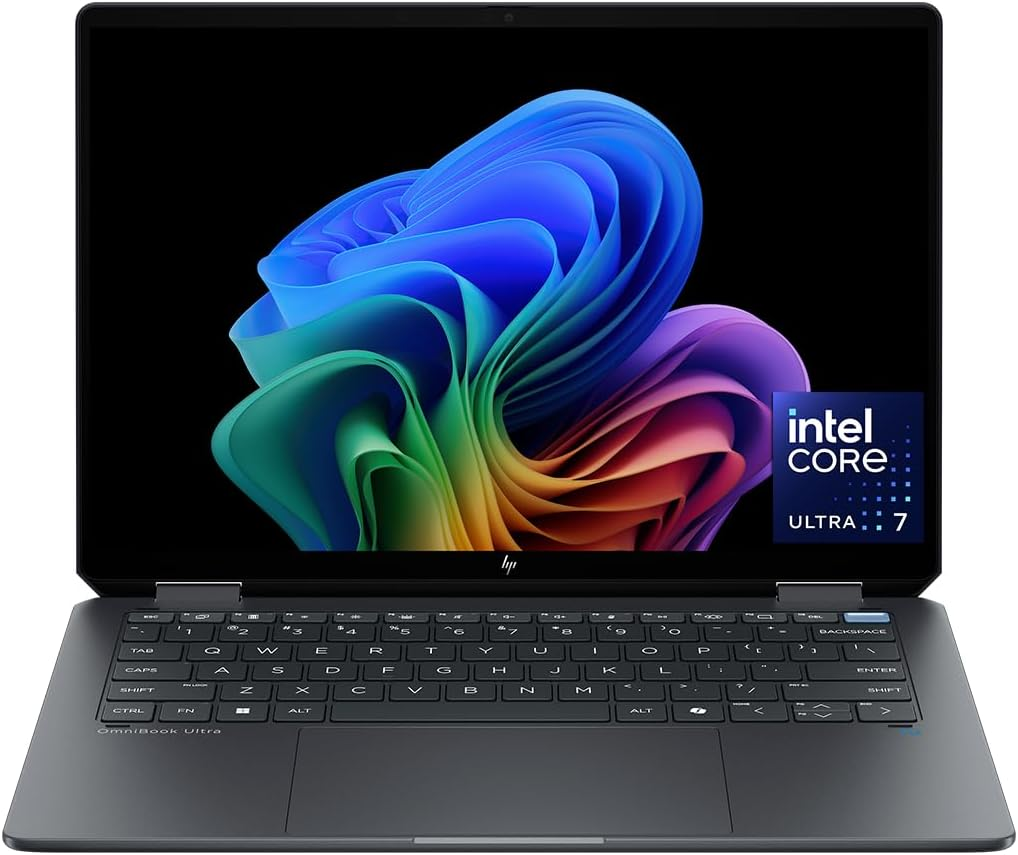
The OmniBook Ultra Flip 14 suits people who switch between typing at a desk and reading or presenting with the screen folded back. Set it up as a laptop for a long draft, then turn the screen around to walk someone through a diagram across the table. That flexibility matters most if you already know where you would use both modes. If your laptop stays open on the same desk all day, a larger conventional screen may be more useful.
The high-resolution display gives small type and detailed diagrams room to stay sharp. You may still want to increase the text size if you regularly view dense documents on a 14-inch panel. Check the finish and reflections if you work under bright lights. If you’re buying it to annotate documents by hand, confirm which pen works and whether the seller includes one.
Check the rest of your setup
The Core Ultra 7 and 16GB of RAM are a practical match for web research, presentations, and video meetings. If your work means running large virtual machines or rendering 3D scenes, compare laptops aimed at those workloads. The guide to choosing laptop hardware for your workload can help you decide where to focus. For a desk setup, verify how your monitor, charger, and other accessories would connect at the same time.
This is an Amazon Canada listing. If ordering internationally, confirm the keyboard layout, who provides warranty service, and whether you can make a claim where you live.
What reviewers say
RTINGS tested the same processor, memory, and storage combination. RTINGS found the keyboard comfortable to type on and the touchpad easy to control. The site liked the detail and color of the OLED display on its unit, but found the glossy finish picked up bright reflections. RTINGS also judged the laptop capable for everyday work and some photo editing. On longer, demanding workloads, the site found the processor could slow down, which matters if you plan to use this as your main production machine.
Sources: RTINGS