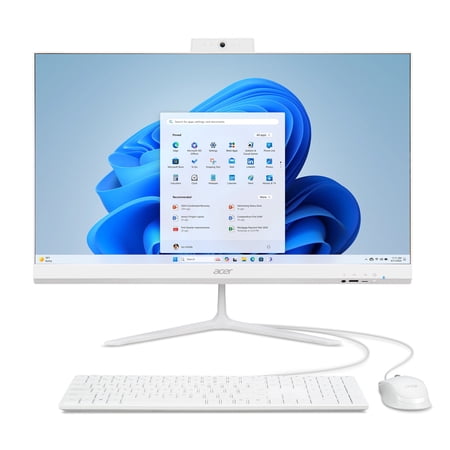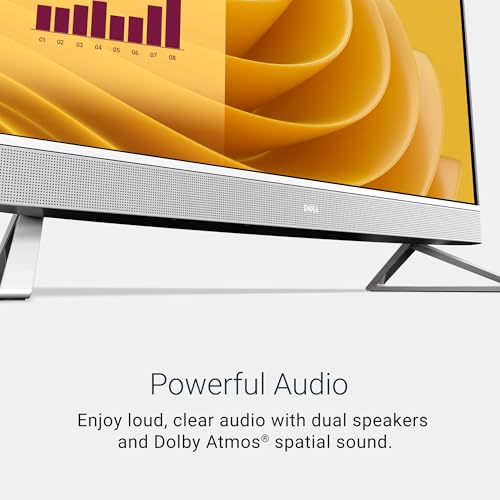




This Dell works for a stationary office or family desk where a larger screen makes documents and video calls easier to see. The 27-inch panel can be useful if you prefer bigger text or sit a little farther back. Full HD gives you the same pixel workspace as a smaller Full HD screen, so moving up in physical size alone will only make a wide spreadsheet look larger. If you want to see more rows and columns at once, compare higher resolutions in the monitor buying guide.
Where the memory helps
The 32GB of memory is useful if you switch among a large spreadsheet, a meeting and several browser windows without closing them. The Core 7 150U configuration is aimed at everyday productivity. For heavy 3D rendering, effects-heavy video work or demanding games, consider a desktop with dedicated graphics. The 1TB SSD gives work folders and household files room to coexist. If you store family photos there, decide where to keep a separate backup.
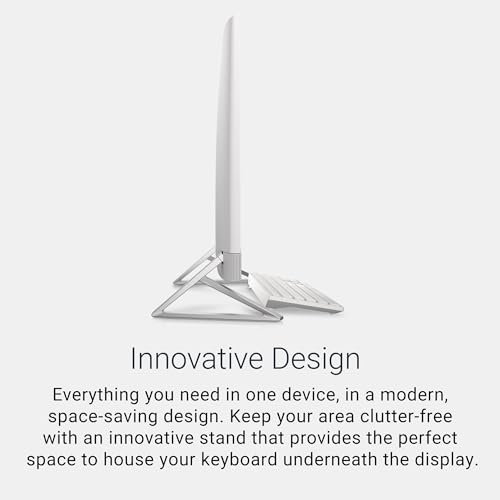
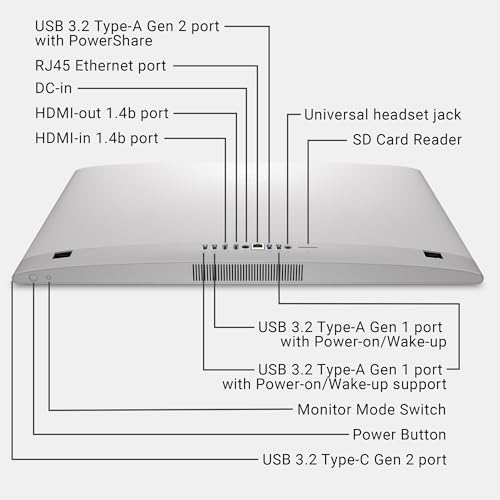
An all-in-one keeps the PC and display together, which leaves more freedom to use the space under the desk. If you want to keep the screen when you replace the computer, a separate display is easier to carry forward. Before ordering, match DEC27250-7564WHT-PUS on the store page. Check the stand footprint, screen adjustment and touch support. If you use an extra screen or a wired headset, confirm the connections you need on this exact variant.
What reviewers say
PCVarge reviewed the EC27250 with a Core 5 processor, 16GB of memory and a 512GB SSD. The site reported that the test unit handled normal office applications, browser tabs and video calls comfortably. PCVarge liked the amount of physical screen space for daily work but found Full HD less sharp at this size. The site also considered integrated graphics suitable for ordinary work and media. It steered buyers with demanding gaming or creative workloads toward more capable graphics hardware.
Sources: PCVarge