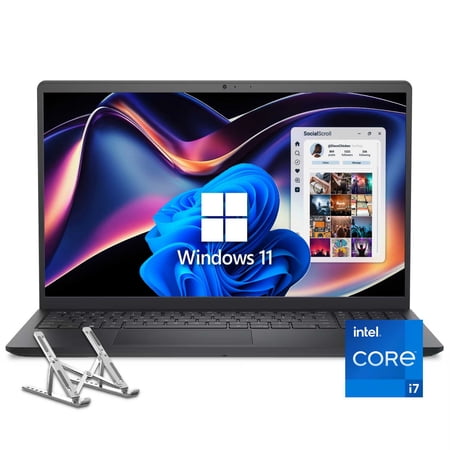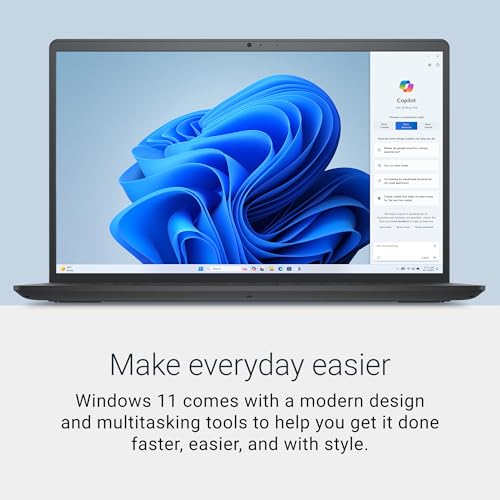


This Dell fits people doing straightforward work such as orders, essays or class portals who want a 15.6-inch screen. The Core 3 100U and integrated UHD graphics suit that routine better than demanding games or large creative projects.
The listed anti-glare display is worth considering in a room where you can’t easily move the desk away from overhead light. The 15.6-inch Full HD format makes it easier to see a page at a usable physical size. It still has limited space if two broad spreadsheets must stay visible. The guide to laptop memory can help you compare the features you will use most.
The configuration has 8 GB DDR5 RAM. It can be enough for straightforward browsing and single-document work. If you switch repeatedly between busy apps, the system may need to reload tabs or move some work to disk. Someone replacing a primary computer for heavy multitasking should start with more memory.
The listed capacity is 512GB SSD. The capacity is useful when you need documents without an internet connection. Allow for software and system files before deciding how much of your existing library to copy. Large recordings and original image files deserve particular attention if they will accumulate over several terms.
What to check
Confirm the 8GB configuration, screen finish and exact model before ordering. If your workflow involves long calls alongside many active web apps, consider more memory.
What reviewers say
LaptopMedia reviewed the DC15250 with a Core i5-1334U. Its machine arrived with a different amount of memory than the original listing described. The reviewer also found that results could vary with the configuration and compared other office systems that lasted longer on battery. LaptopMedia’s experience makes a case for checking the installed hardware when the machine arrives. For this offer, verify memory and display first, and check performance with the Core 3 if you depend on a particular application.
Sources: LaptopMedia