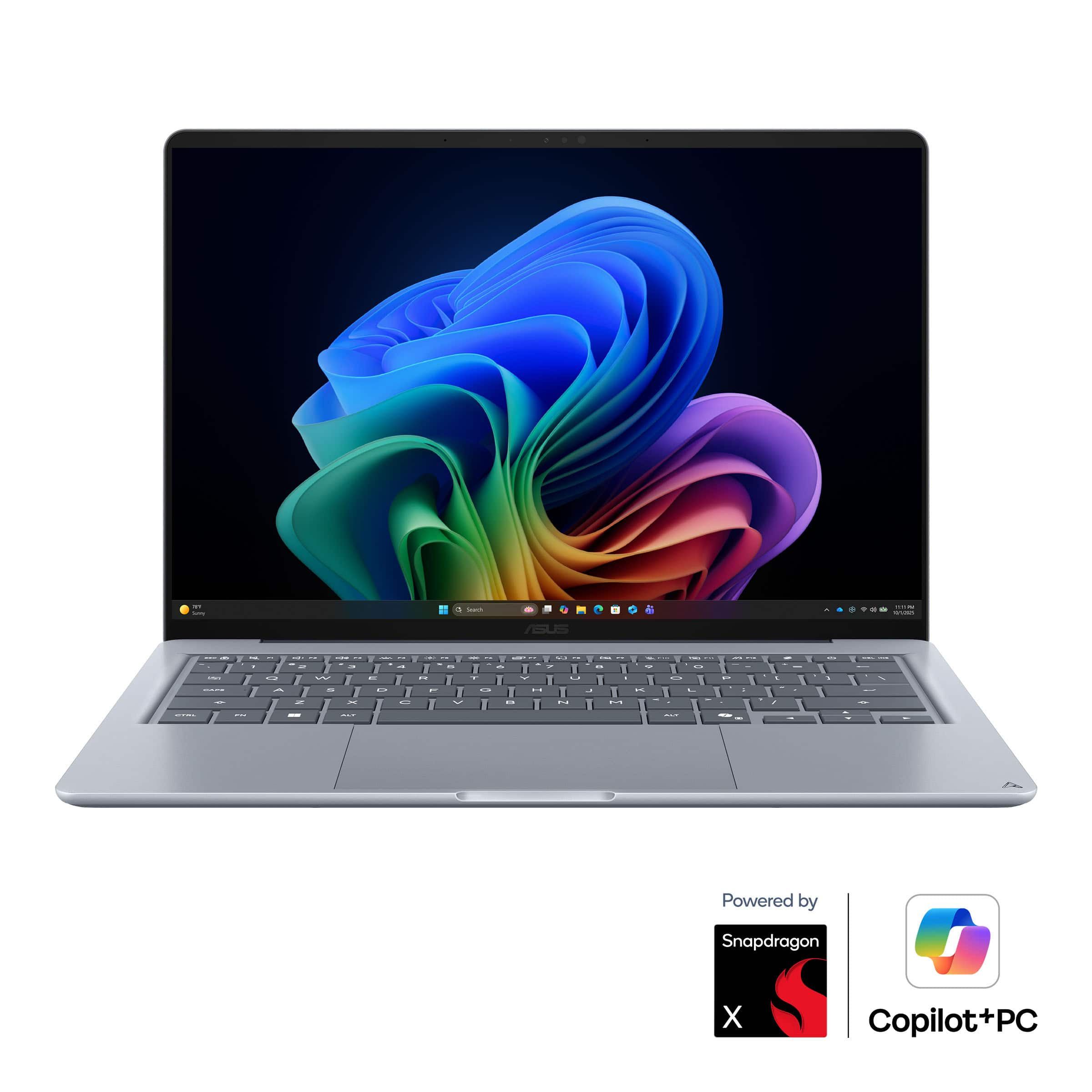
The Zenbook fits a student who moves between classrooms and spends most of the day writing, reading PDFs or working in a browser. The compact screen is easy to fit on a small lecture desk. If you routinely keep a spreadsheet and a reference document open side by side, check whether both are readable at your preferred text size. At home, an external display could make that kind of work more comfortable.
Check the software you need for class
The Snapdragon X uses an Arm design. Before buying, check your exact exam software, course apps and any drivers for equipment you connect. Some Windows apps can run through emulation. Drivers and plug-ins need their own compatibility checks. If a required tool has no supported setup on Windows on Arm, pick a laptop that meets your course requirements.
The 256GB drive suits a workflow built around documents and a modest set of apps. If you regularly work offline, add up your downloads, photo imports and project folders before choosing this capacity. Video footage and temporary exports can take up room quickly. For regular editing, check that both your editor and the plug-ins you rely on support this platform.
OLED can keep shadow areas dark beside bright details in films and photos. Confirm the exact pixel dimensions and model code on the store page, since the listing uses the shorthand 2K. The guide to laptop screen types explains how OLED and IPS differ.
What reviewers say
Windows Central reviewed the Snapdragon Zenbook 14 UX3480 and lists a 1920 by 1200 OLED panel for its configuration. Windows Central liked the solid feel of the body and the quiet, tactile keys, both worth considering if you spend long sessions writing. The site found the trackpad harder to click than expected and reported inconsistent pointer tracking on its sample. Windows Central also heard the fan get loud under heavy load, though the reviewer found that less of an issue during routine work.
Sources: Windows Central