


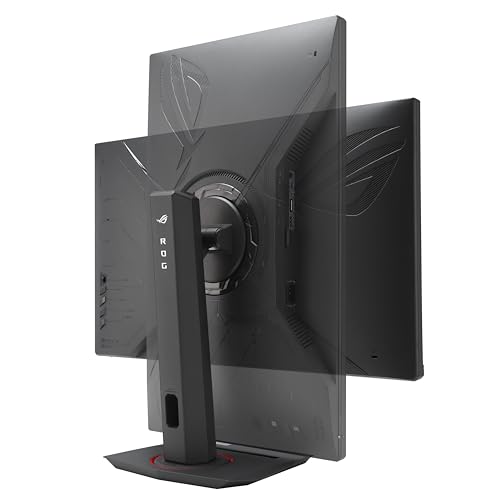
The XG27ACS is a good fit when you want useful desktop space and the ability to play at higher frame rates on the same screen. At 27 inches, 1440p gives you room to place a reference window beside the main one. In games it also makes fine lines and distant objects easier to distinguish than at Full HD. Look at what your graphics card can run at 1440p before relying on the refresh ceiling.
The listed 180Hz mode matters most in games with quick camera motion. Variable refresh can help when the frame rate sits below the display’s maximum, provided your source and connection support the mode. The guide to 1440p gaming monitors explains how to compare those capabilities for PCs and consoles.
Buying for a shared desk
If this is also your work screen, check the edges of the desk for where a laptop or dock will sit. The offer lists USB-C, so confirm whether that connection provides the video and power delivery you need. For a console, verify supported modes over HDMI. Buyers more concerned with black levels in a dark room or striking highlights in HDR should compare measured contrast before ordering. Check for the XG27ACS suffix on the item selector because similarly named Strix monitors can have different refresh modes. If you use a monitor arm, confirm the mount pattern and allow enough cable slack to move the display.
What reviewers say
RTINGS found low input lag and generally clear motion on the XG27ACS. It observed some inverse ghosting at lower refresh rates and found that the backlight strobing mode could produce a duplicated image. The lab also reported weak contrast in dark rooms and subdued HDR highlights. For office use, it found text easy to read and viewing angles broad enough to share the screen. Those results point to a useful work-and-gaming display for an ordinarily lit room.
Sources: RTINGS


