


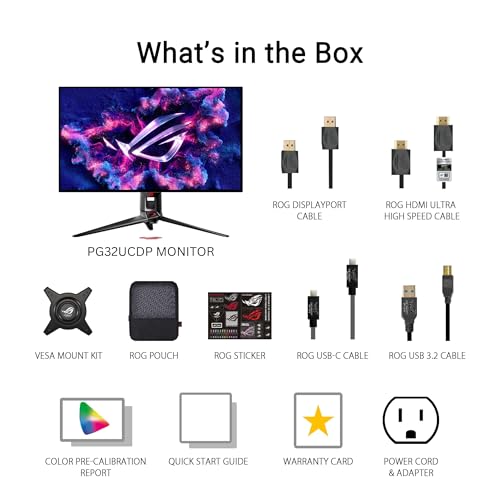


The PG32UCDP makes sense if you play both competitive shooters and games where you want to see every detail in the scenery. Use the 4K mode for open worlds, strategy games with fine interface elements, or a video preview beside an editing timeline. Switch to the faster Full HD mode when following quick movement matters more than fine detail. Expect a softer picture in that mode, especially if you sit close to the screen.
Choose the mode your PC can use
A fast refresh rate gives the monitor more chances to show a new frame, but your graphics card still has to draw it. Check the frame rates you actually get in your favorite shooters. If you mostly play slower games, the second mode may spend most of its time unused. If the monitor will spend all day showing a fixed spreadsheet or dashboard, compare an LCD for that job. Static elements can leave permanent marks on an OLED panel over time.
Before ordering, measure how far back you can put the screen. Leave enough distance to take in the corners without leaning back or turning your head. If you plan to connect a laptop over USB-C, confirm it can send video and accept charging on the same port. Check the cable and how much power your laptop needs while working. The monitor buying guide explains how to weigh screen size against the resolution and refresh rate you will use.
What reviewers say
RTINGS found that quick pixel transitions kept moving objects clear and that inputs felt responsive. RTINGS also liked the depth and evenness of blacks in a dark room, a useful quality if you play games with bright effects against dark backgrounds. The site singled out the faster Full HD mode for competitive play. RTINGS did see flicker in dark scenes when variable refresh rate was active and frame rates changed sharply, so motion performance and brightness stability can tell different stories in the same game.
Sources: RTINGS


