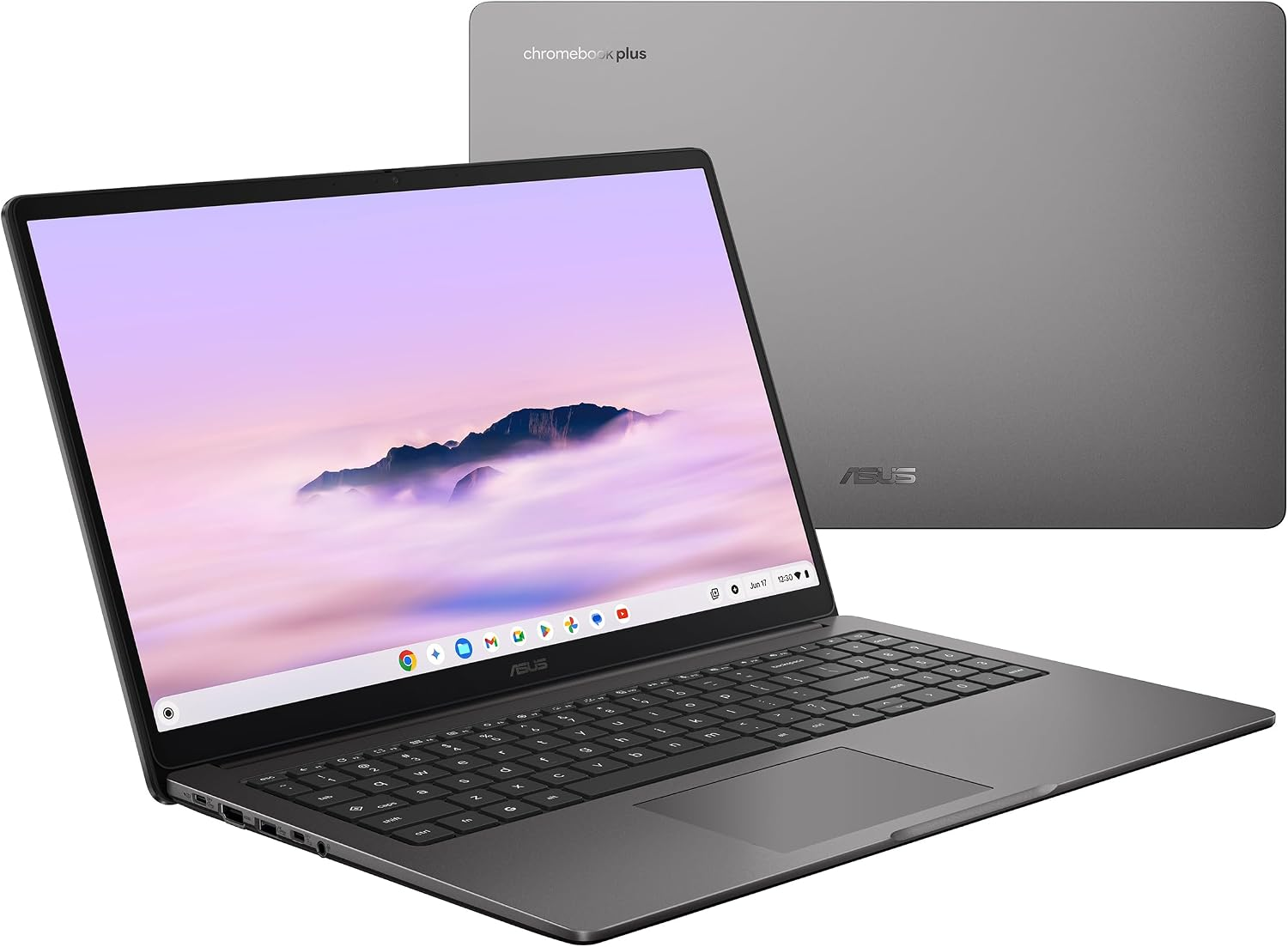
The Chromebook Plus CX15 is a good fit if your classes and personal work live in a browser. The larger screen is useful when you want an assignment prompt next to a draft or a video beside your notes. Its anti-glare finish is worth having if you often sit near a window or under overhead lights. Check the dimensions against your backpack if you plan to carry it every day.
Look at your software first
Open your course list and check which tasks need an installed program. A Chromebook can make sense for web documents, classroom portals and streaming. If you need the desktop edition of an app, a specific exam browser or a tool supplied by your school, get confirmation that the required version runs on ChromeOS. If it needs Windows, skip this configuration. The Chromebook and laptop comparison can help you make that choice.
The 8GB of memory is reasonable for normal school tabs and documents. Consider whether your routine involves large browser projects or several busy web apps at once. Keep some of the storage free for downloads and offline work. If your internet connection is unreliable, check which apps and class files you can use offline before relying on them.
This is a Canadian listing. Confirm the full Chromebook Plus model code, the storage type and the keyboard layout on the store page. If you are ordering from outside Canada, ask the seller where warranty service is available and who handles returns.