
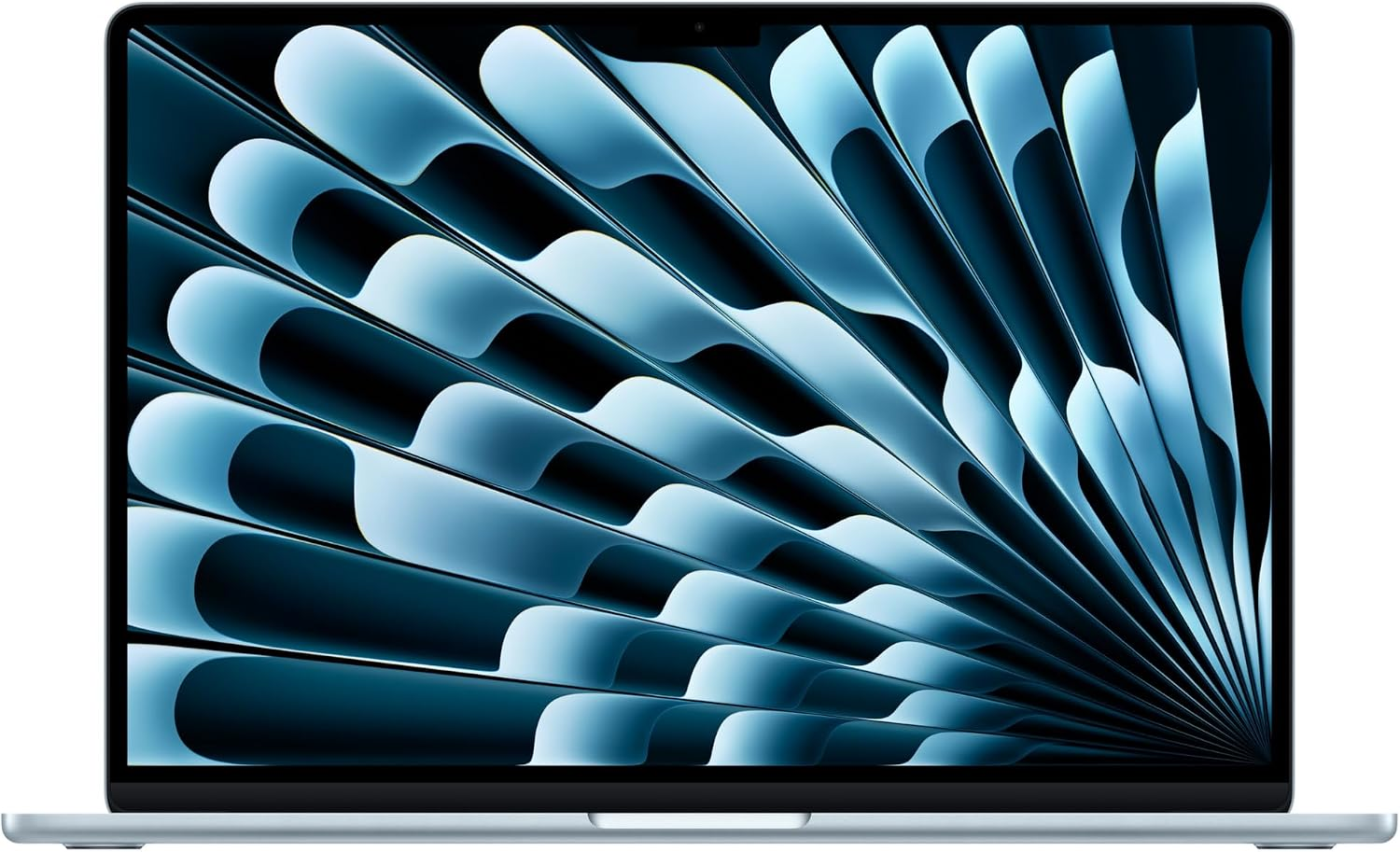
A larger canvas for Mac work
The 15.3-inch display is useful when a document and its source need to stay visible at the same time. In a photo editor, the extra room can go toward a larger preview or a strip of thumbnails. If you mostly write in one window and often work on a tray table, compare a smaller laptop and see how much space is left beside it for a notebook.
Unified memory is shared by the processor and graphics. That matters when an editor, a collection of large images and background apps are open together. If your routine includes large layered files or several creative tools at once, look at your current memory use while those tasks overlap. Frequent long exports are another reason to compare systems designed for sustained work. The editing laptop guide can help you decide what to compare.
Count the folders you need offline before committing to the 512 GB drive. A photo archive can grow quickly once you include originals, previews and exports. Think about which files have to travel with you and where you will keep a separate copy of work that is difficult to replace.
Check that required course software, assessment tools and any photo plug-ins run on macOS. If a required application only works on Windows, resolve that before choosing. Confirm the keyboard and included charger on the German listing. For use abroad, check where the warranty is serviced and how a return would work.
What reviewers say
Notebookcheck reviewed the 15-inch M5 model with a larger SSD. The site found that the M5 delivered a noticeable jump over the M4 in short CPU tests, and the design ran without fan noise. Notebookcheck’s longer tests showed a drop in performance once the chip had been under load for a while. The site also found that the display still operated at 60 Hz. Those findings matter if you do sustained work in bursts throughout the day or are accustomed to motion on a faster display.
Sources: Notebookcheck


