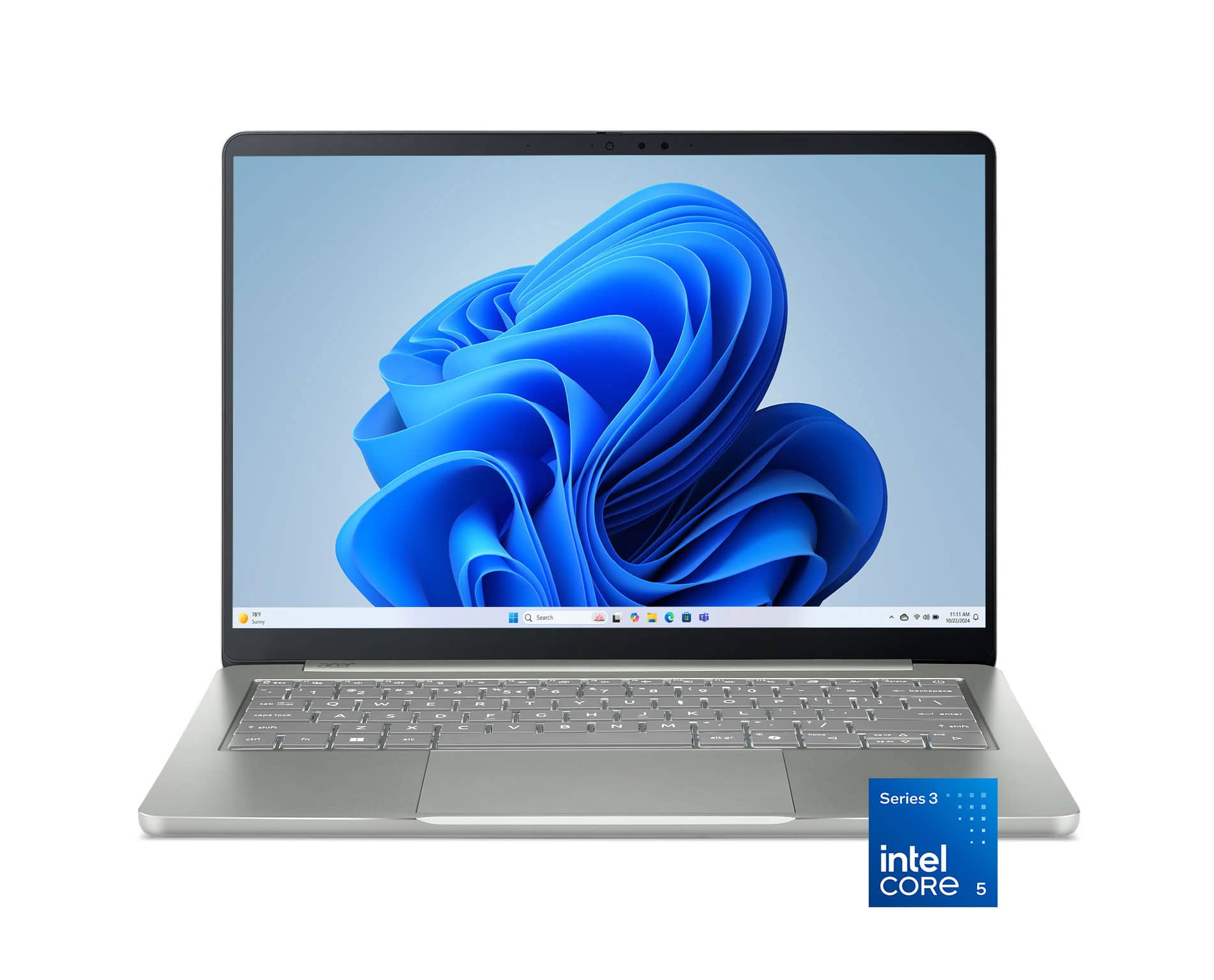
The Swift Air 14 fits a student whose day revolves around a browser, lecture slides and a few documents. Its screen is small enough to make sense on a narrow classroom desk. The listed 2K resolution can help keep small type legible in PDFs, though larger text settings may be more comfortable if you spend hours reading. If you regularly need a full spreadsheet and a reference document visible together, plan for an external monitor or compare a larger laptop.
How many apps do you leave open?
With 8GB of memory, the workload matters more than the number of individual tasks on your schedule. Typing up notes after a call is a lighter job than sharing your screen during the call while a browser full of research tabs stays open. If your course requires virtual machines, large design files or several specialist programs running together, start with a higher-memory configuration. The RAM guide can help you judge that part of the purchase.
The SSD gives you room for course material and downloaded lectures. If you keep local copies of large media projects, check how much space your current folders use and allow for applications and temporary files.
Confirm the exact pixel dimensions and model code on the store page. The review below describes a different panel resolution. Check whether the memory can be expanded, and verify the connections you need for a classroom projector or a monitor at home.
What reviewers say
ChannelNews reviewed the Core 5 version with a 1200p screen. ChannelNews found the base sturdy and liked the roomy keys, though its reviewer found the keyboard backlight faint. ChannelNews reported responsive browsing and smooth office work, with video editing and encoding putting more strain on the machine. Its reviewer also singled out the limited memory as a concern for buyers who keep demanding apps open together. ChannelNews found the laptop easy to carry on a commute.
Sources: ChannelNews