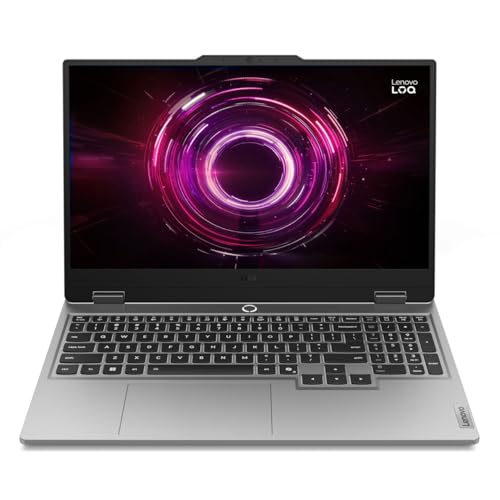

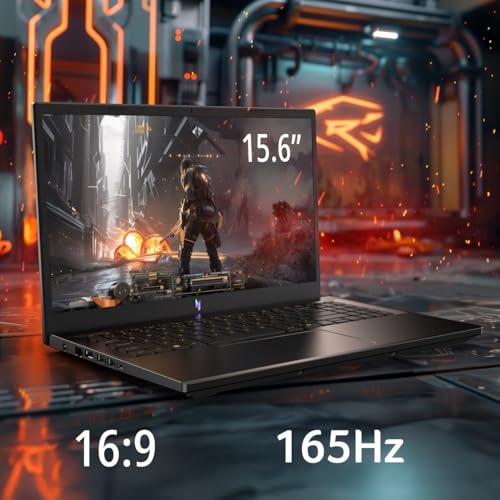


Choose this Nitro V if you want to play on the built-in screen and use the same computer for class or editing between sessions. The RTX 5060 has a lighter workload at the panel’s native resolution than it would driving a 4K screen. In fast games, reducing demanding graphics effects can help you make more of the panel’s refresh rate. Players who want a high-resolution setup with ray tracing enabled should compare systems built around that target.
When games share space with project files
A terabyte gives you room to keep several games installed while working on current projects. If you record gameplay, leave extra room for raw footage and finished exports. A long recording session can eat into the space you set aside for the next install. The Core i9 is relevant if you regularly export video or compile code. For large editing projects with several apps open, check whether your workflow would benefit from more memory.
Use the full ANV15-52-98KV code when checking the store page. Look for the graphics power limit if you’re comparing this machine with another RTX 5060 laptop. Also check how the memory is installed and whether you can add storage without replacing the current drive. If editing is a priority, confirm the panel’s color coverage before depending on it for final color decisions.
The gaming laptop and desktop comparison can help if the machine will spend most of its time on one desk.
What reviewers say
TechRadar reviewed the RTX 5060 version with a Core i7-13620H. The site found it capable in demanding games at 1080p, though pushing the most demanding graphics options could make the experience less fluid. TechRadar liked the display’s color and contrast on its test unit but noticed reflections. The site also found the fans audible during play and felt heat build around the space bar. Those observations are worth weighing if you play with the built-in keyboard in a shared room.
Sources: TechRadar