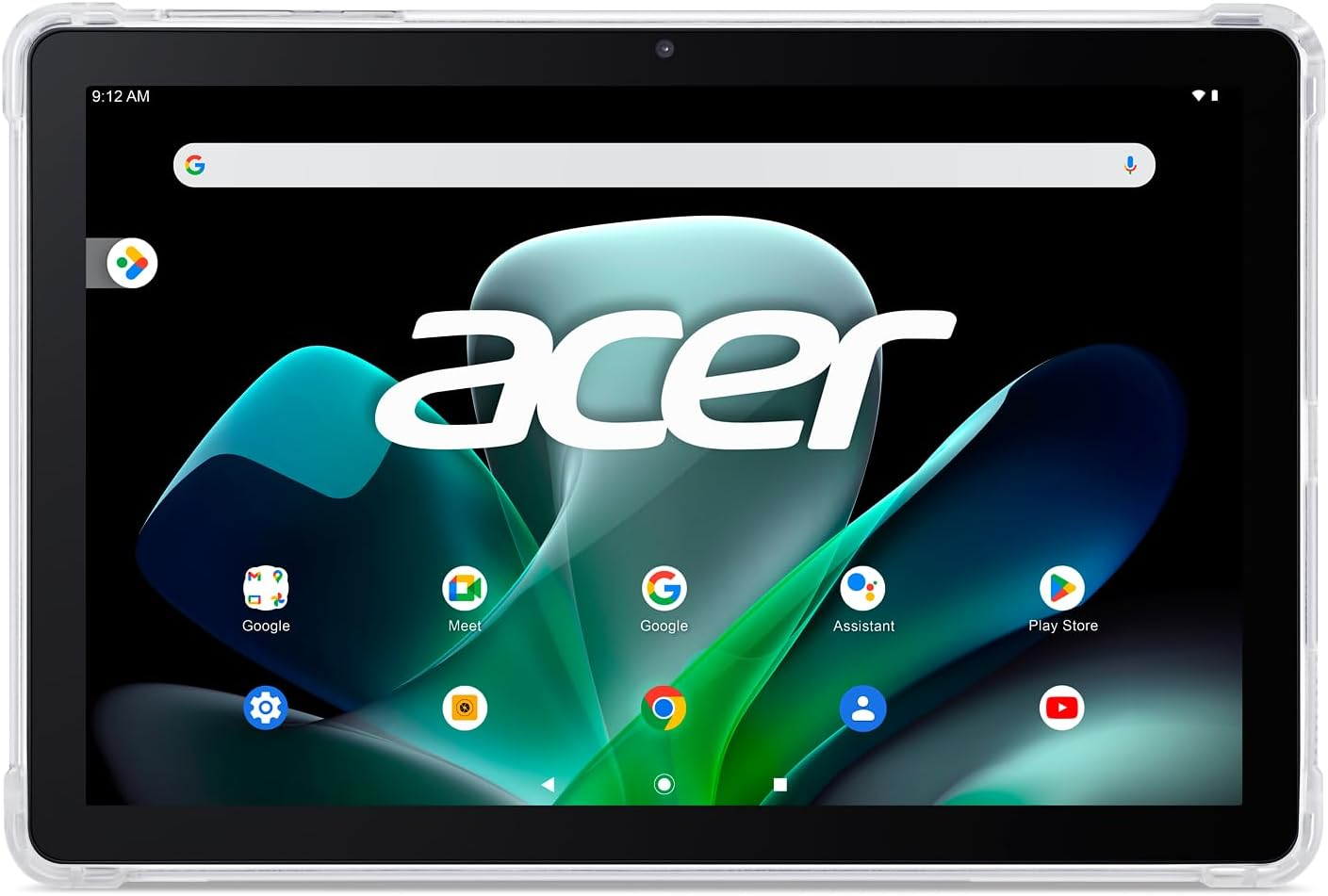
The Iconia M10-11-K21V suits someone who wants to read, watch a show or check a few websites on a screen bigger than a phone. The display is small enough to consider for a crowded tray table, while Full HD gives subtitles and illustrated pages room to stay legible. If you spend much of your time reading dense textbook scans or want a document and a second app visible together, a larger tablet is worth comparing.
The 4GB of memory is a reason to keep your workload simple. Think of having a reading app or a browser open for the task at hand. Switching between several busy apps can mean waiting for an app to reload. For games with large downloads or for work that depends on multiple apps staying active, look for a tablet with more memory and internal storage.
Make room for offline files
On a 64GB tablet, the operating system and app updates take part of the space before you save anything. A memory card is useful for files such as music and PDFs. Check the card capacity the tablet accepts and whether your apps can save downloads to it. That distinction matters if you want to keep a season of a show available for a flight.
Match the full M10-11-K21V code on the store page and check which software version ships and whether it still receives security updates. Verify that the streaming services and other apps you rely on support that version. If you’re choosing a tablet for a shared household, the tablet guide for streaming and family use covers other features to check.