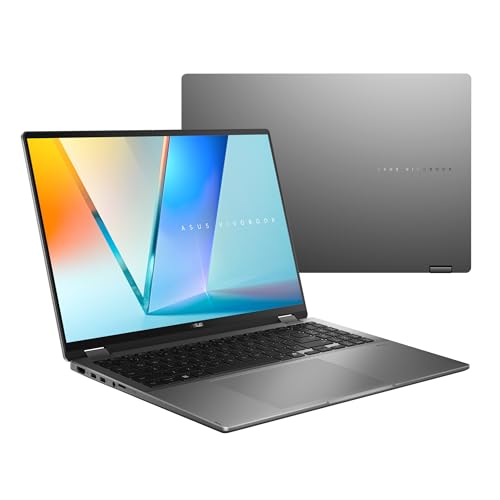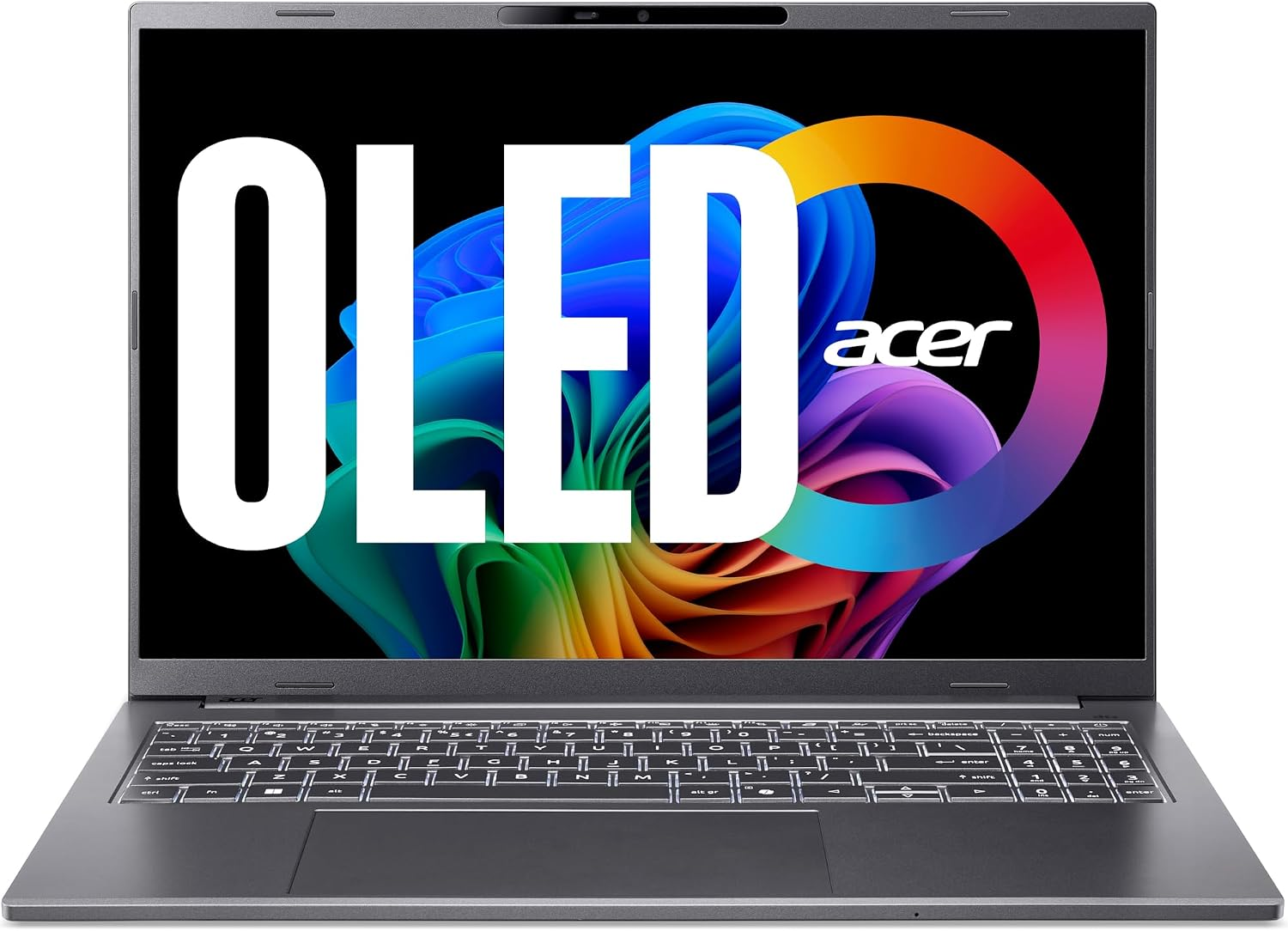
Make the most of the larger workspace
The larger screen is helpful if you often work from two documents at once. Keep a source open beside your draft or leave room under a video preview for your editing controls. The 2048 x 1280 panel gives documents extra height compared with a 1080p screen. If you work at small desks or often read while standing, compare a smaller laptop before deciding how much workspace you really need to carry.
OLED is useful for separating dark areas in pictures and for watching films with a lot of shadow detail. For photo work, check the panel’s colour coverage and look at where reflections will fall when you sit near a window. The guide to laptop displays explains what else to compare. The Radeon 840M is the component to consider if your coursework requires 3D or graphics-heavy effects. A screen that shows an image well is a separate benefit from the ability to render a difficult scene quickly.
For local storage, look beyond the size of your documents. A few classes with downloaded lectures, original photos and editing caches can fill a drive faster than a folder of essays. Check whether you can expand storage on the exact option if you expect that library to grow.
Check the selected store configuration for the panel, physical keyboard and any connections your accessories require. If you are ordering from Germany to use it abroad, verify the plug, who handles warranty work locally and the address you would use for a return.
What reviewers say
TechRadar reviewed the Aspire 16 AI with a Ryzen AI 7 350 and the same OLED resolution. The site liked the clear display and found that its brightness helped offset reflections. TechRadar found the case thin and easy to carry for a 16-inch laptop, although the base flexed and the hinge felt less steady than the reviewer wanted. The site liked the keyboard spacing but found the number pad keys small. TechRadar also reported that the fans stayed quiet in demanding tasks while heat collected toward the back underneath.
Sources: TechRadar