A convertible for a shared table
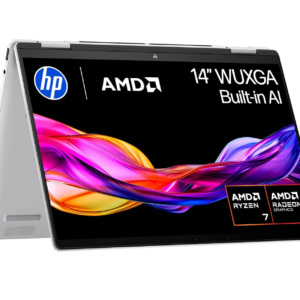
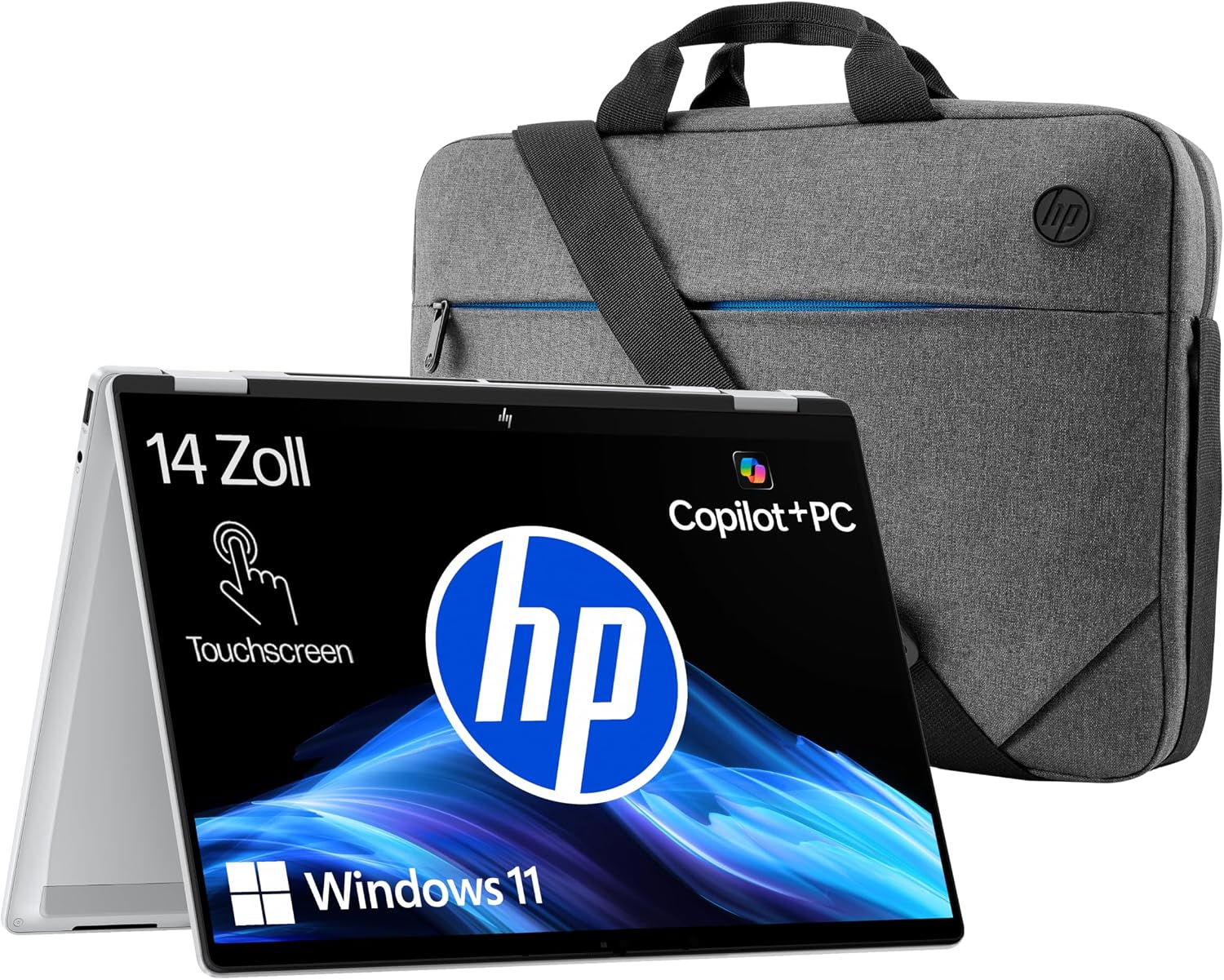
Think about the two positions you will use most. In laptop mode you can take notes while keeping a reading window beside them. Fold the screen back when you want to swipe through slides or show a classmate a diagram from across the table. The 1920 x 1200 resolution gives you extra vertical space over a 1080p panel, which is helpful when a toolbar is taking up part of the screen.
Touch is useful for navigation, but handwritten notes depend on more than finding a touch panel. Check the exact pen model the laptop accepts, whether it comes in the box and whether your note app can ignore your palm while you write. If your main use is reading one-handed on the bus, compare a separate tablet. A convertible still has its keyboard and base attached when folded. The guide to tablets for notes can help you decide which shape fits your routine.
The listed memory is a practical fit for several ordinary school apps at once. If your program needs virtual machines or large media projects, check its recommended memory and graphics requirements before you commit. Those tasks matter more than how responsive the machine feels during a simple browsing session.
The German keyboard is worth checking against your usual typing habits. You can choose another software layout, but the physical legends stay in place. For cross-border orders, verify the plug, the return address and whether warranty service is available where you live.
What reviewers say
Tom’s Guide found the Intel OmniBook X Flip 14 well built and liked the responsiveness of both the touchscreen and touchpad. Its reviewer found the IPS display usable in direct light and accurate enough for occasional Photoshop work. Tom’s Guide also found the machine responsive in short bursts of more demanding work, with noticeable heat under pressure. The site’s main typing caveat was the keyboard layout. Its keys have very little separation, so the reviewer needed time to adjust despite liking their tactile response.
Sources: Tom’s Guide