Check your software before choosing Snapdragon
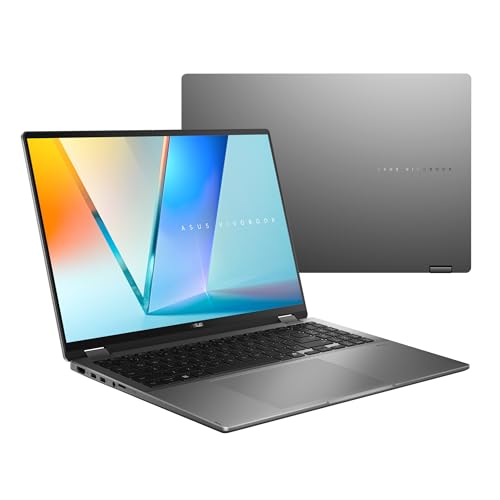
This Vivobook suits people whose main work happens in a browser and who want more room to arrange windows on the same screen. At 1920 x 1200, you can leave a worksheet open next to course notes and fit more rows vertically than on a 1080p panel. If your desk is often a small tray or a shared table, compare the actual footprint with a smaller laptop.
The processor uses the Arm architecture. Start by listing the apps required by your classes or employer, including exam software, plug-ins and drivers for any equipment you connect. Check the specific versions you need. A web version may handle ordinary tasks, but it may have different features from the desktop app. If a required program or driver lacks support, compare a conventional Windows laptop. The guide to laptop processors can help you tell the platforms apart.
Consider how much you will use offline. The listed capacity leaves space for coursework and personal files, but downloaded media builds up over time. If you’re buying for photo work, verify the screen’s colour coverage and your editor’s compatibility. For demanding 3D applications or gaming, look for proven support in your exact software before picking this configuration.
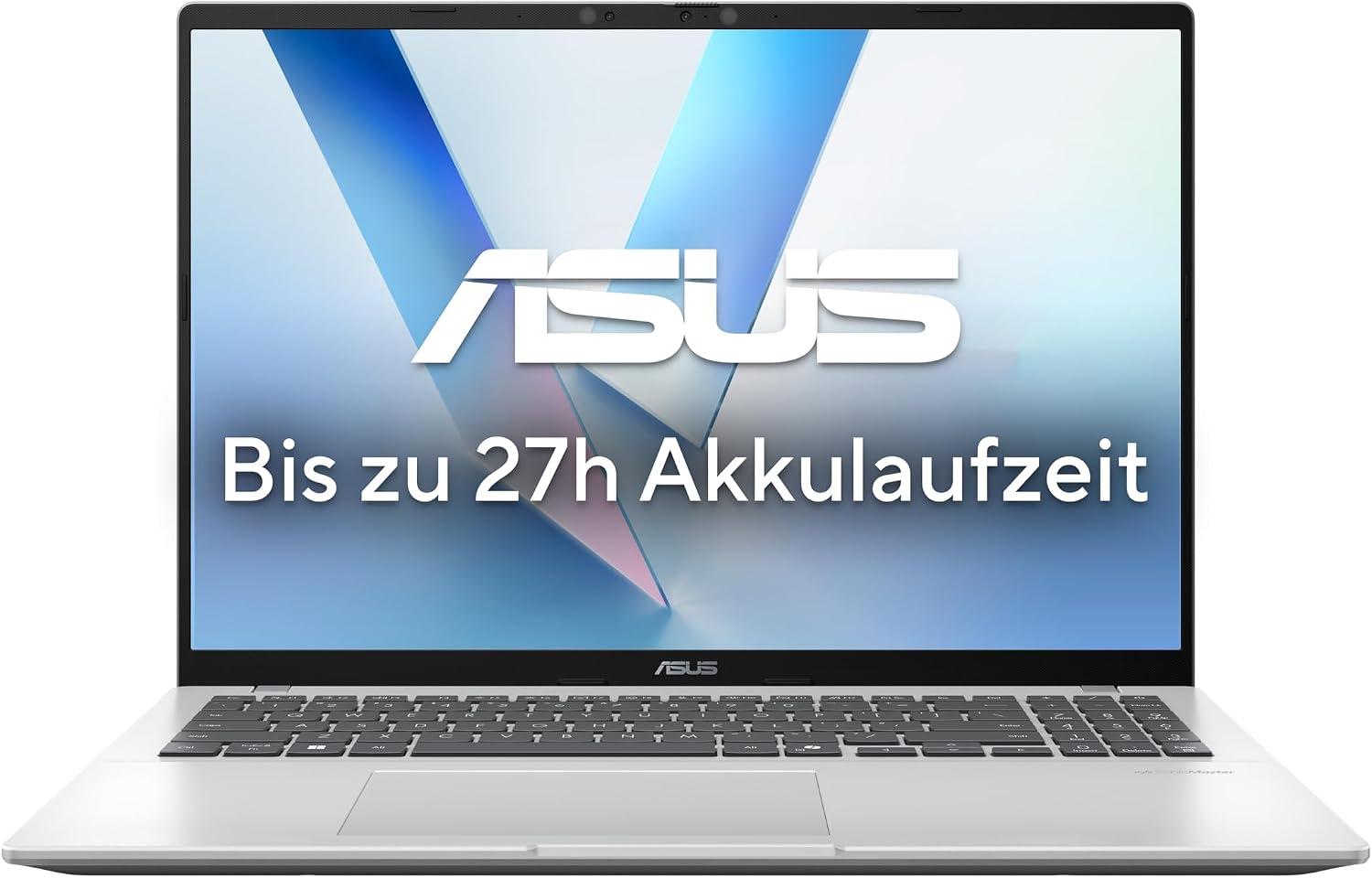
On the German listing, verify the keyboard, included charger and the exact model. For an order going abroad, confirm the return address and whether the warranty can be serviced in your country.
What reviewers say
Laptop Mag found the Snapdragon Vivobook 16 lasted well in its battery test and liked the smooth touchpad. The reviewer described the large display as useful but found that its colours were muted. Laptop Mag also found the webcam made colours look subdued and lost fine detail, which matters if calls are a large part of your day. The site considered the performance adequate for ordinary tasks and found less headroom for intensive work. Its review unit had the same processor, memory and storage as this listing.
Sources: Laptop Mag