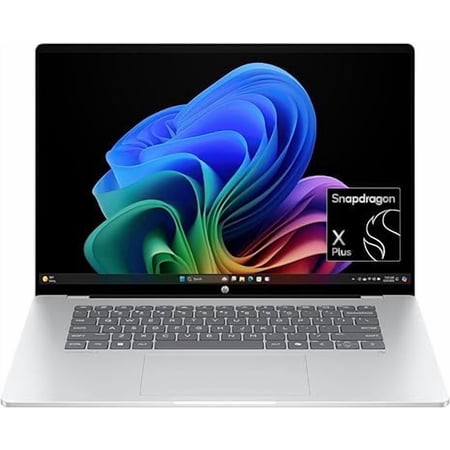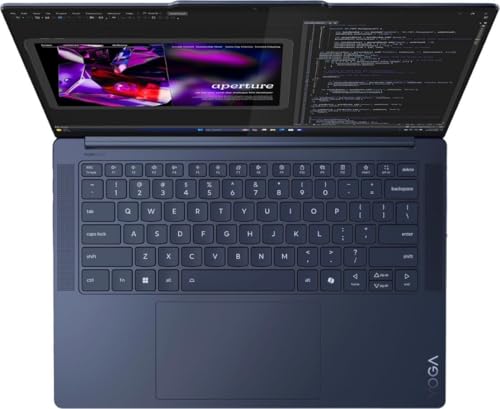


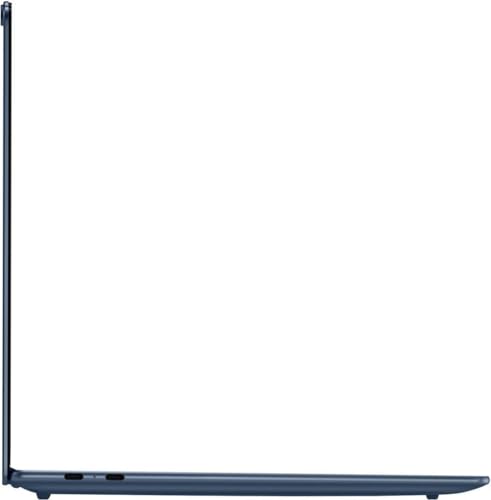


The Lenovo Yoga Slim 7X X Elite X1E-78-100 features 16GB of RAM and a 512GB SSD. This combination handles everyday tasks like web browsing, schoolwork, and office work. The 16GB RAM allows for multiple applications to run at once, while the 512GB SSD ensures quick file access. These specs are suitable for users who need a machine for routine tasks.
The 14-inch 3K OLED screen stands out for its display. The touchscreen and backlit keyboard add convenience, especially for users who work in varied lighting conditions. This laptop suits those who prioritize display quality and need a device that can handle creative work and productivity tasks.
There are no major limitations to note. However, those with specific needs that require more advanced graphics or larger storage may want to consider other options.
The first thing to check is whether the software you rely on runs on Windows on Arm. Make a list of the apps you need for class or paid work, including exam software, VPN clients and any plug-ins your creative tools depend on. Check the vendor’s compatibility information for each one. If you need to connect a specialist printer, scanner or audio interface, check that the vendor supplies a compatible driver for that device. A familiar app name alone tells you little about how well the whole setup will work.
Check the software you bring with you
A browser-first routine is a better fit. Think of a student who writes papers online, reads course material and keeps a few photo projects on hand. The sharp display gives you room to inspect fine details in an image. Before relying on it for paid photo work, check how the panel handles reflections in the room where you edit and whether there’s a color mode for the files you deliver. The guide to laptop display types can help you weigh those questions.
If you move between classrooms and a shared desk, list the things you plug in on a typical day. Confirm the connections and charging requirements for the exact store configuration before counting on a dock you already own. Choose another machine if a required app or peripheral has no supported setup, or if the main reason you’re buying is to play a particular PC game whose compatibility you can’t verify.
What reviewers say
Notebookcheck reviewed a version with more memory and storage. The site found the keyboard comfortable for long stretches of typing, although it would have preferred larger arrow keys. Notebookcheck liked the screen’s bright, detailed picture and found the glossy surface highly reflective. The site reported good battery endurance in lighter work, with more fan noise under short, demanding loads. Notebookcheck’s unit had a 14.5-inch screen with a 90Hz mode. The listing gives the size as 14 inches and specifies 60Hz, so confirm the exact panel and available refresh rates on the store page.
Sources: Notebookcheck