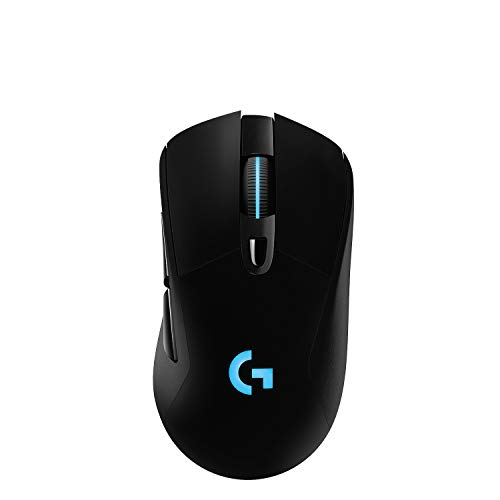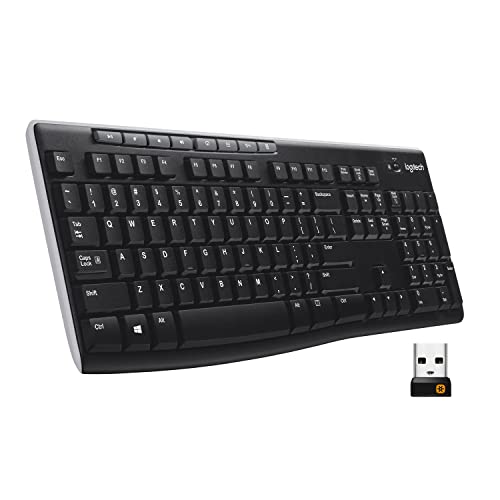

The MK540 fits a permanent desk where you enter figures often and want a mouse that either hand can use. A number pad is handy for accounts or spreadsheets. It also takes up room on the side where many people put the mouse. If your desk has a shallow pull-out tray or you like to keep the mouse close to the letter keys, measure the space first. A compact keyboard will leave more room for movement.
Check the computer you’ll plug it into
The shared receiver occupies one USB-A socket. If your laptop only has USB-C, allow for a compatible adapter or hub. Check operating system support for any shortcut or mouse button you plan to use. If you’re ordering for a shared workstation, confirm the key layout so everyone gets the punctuation keys they expect. Also check what batteries the set requires and whether they’re included.
The home office setup guide has more on arranging a desk around the way you work.
What reviewers say
PCWorld found that the keys gave clear feedback while keeping typing noise low. The site also liked the mouse’s scrolling and the options for assigning shortcuts to function keys and mouse gestures. PCWorld found that the two devices started working as soon as it connected the receiver to its PC. The site flagged limited Mac support and found the set bulky for travel. That makes its findings most relevant if the combo will stay on a Windows desk.
Sources: PCWorld