
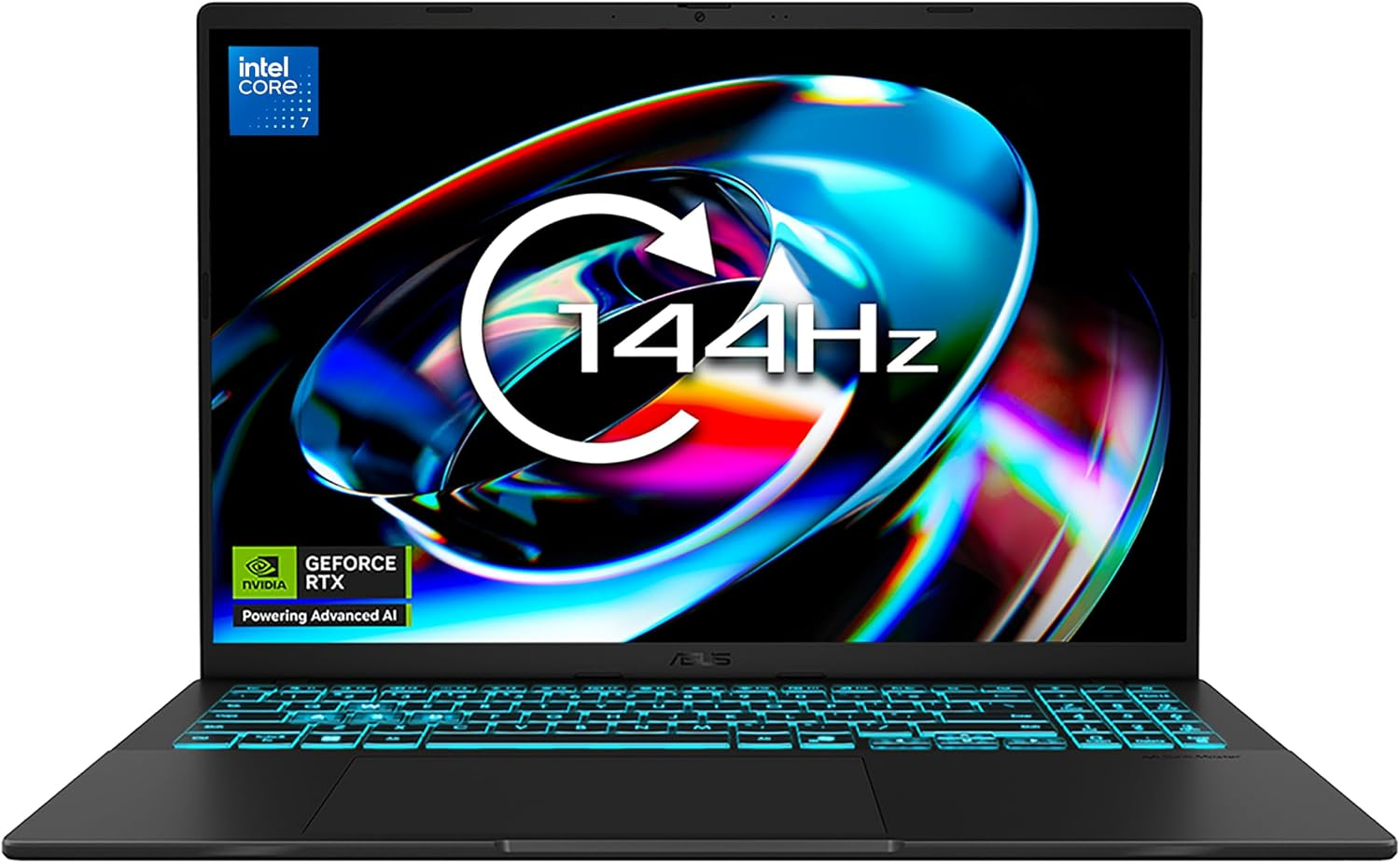
The ASUS V16 suits someone who plays multiplayer games and more demanding single-player titles on the same machine they use for everyday work. The taller screen gives documents and web pages more vertical room than a standard 1080p display. If you mostly browse and write, or need a compact laptop for a crowded commute, a smaller general-purpose model may suit you better.
Match the settings to your games
A fast refresh rate can make camera movement easier to follow when a game delivers frames quickly enough. For a demanding game, try lowering shadows or reflections if motion feels uneven. In games that support DLSS, upscaling can also ease the graphics workload. To compare other gaming models, start with the laptop GPU ranking and check the graphics power limit for the specific version you are considering.
Check the exact configuration before ordering
Confirm the full ASUS model code and graphics chip together on the store page. If the seller lists them separately, ask which combination ships. Check the screen’s brightness and colour coverage if you work near a bright window or edit photos where colours need to be accurate.
The listed storage is best suited to a rotation of games. Add up your largest installs and leave room for updates and recordings. If you like to keep a big library installed, check whether you can add an SSD or would need to replace the existing one. If you stream while playing or work with large projects, check whether the memory can be expanded as well.
What reviewers say
LaptopMedia reviewed the V3607 with an RTX 5060, a different graphics configuration. LaptopMedia found that its sample ran Counter-Strike 2 fast enough to take advantage of the built-in display. The site saw a clear jump in frame rate after lowering settings in Black Myth: Wukong. LaptopMedia also found that the graphics chip ran cooler in its sustained gaming test than the other RTX 5060 laptops it compared, while running at lower clock speeds. Those results apply to LaptopMedia’s test unit.
Sources: LaptopMedia


