

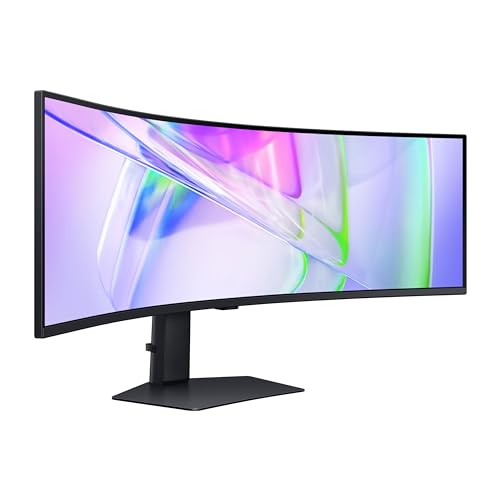
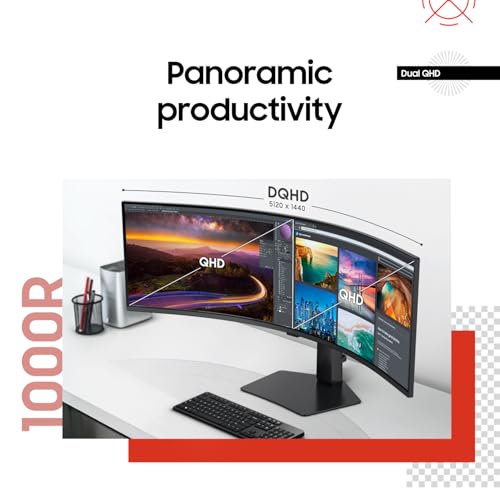




The Samsung LS49C954UANXZA suits someone who already spreads work across two screens and wants the middle of the desk to be usable without a bezel in the way. You can put the main document in the center with chat on one side and reference material on the other. It also makes room for a long project timeline or a wide table without forcing either one across a join.
Think about window layout and desk depth
The 5120 by 1440 desktop puts its extra pixels across the width. Use window snapping or your preferred layout tools so each app opens where you expect it. If you often share your screen on calls, try sharing the relevant app window so viewers on smaller displays can read it. If you prefer a portrait display for code or long documents, separate monitors give you more freedom to position each screen.
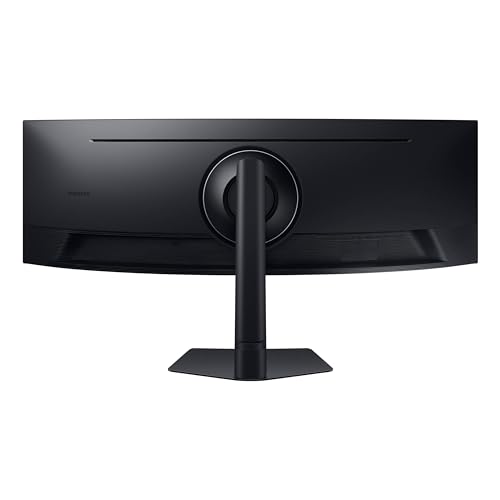
Check the full width and stand depth against your desk, including space for the cables and anything you keep behind the screen. A shallow desk can leave the edges farther out in your field of view than you want. The home office monitor guide is a starting point for comparing more compact layouts.
Confirm which input supports the full resolution and refresh combination you want, especially if the connection runs through a dock. For USB-C, check that your laptop can send video over that port and that the listed charging output meets its needs while working.
Check how two computers would share it
If you keep a company laptop and a personal computer on the same desk, decide how you want to switch between them. Ask whether this exact version can display both computers at once and which combinations of inputs it allows. For a shared keyboard and mouse, confirm whether the monitor can switch those devices along with the picture. A monitor that changes the video source may still leave the keyboard paired with the other computer.
The guide to laptop ports can help you trace what travels over each connection. Pay particular attention to devices with a USB receiver. Check whether the receiver goes into the monitor, a separate switch or one of the computers. If company policy restricts shared USB devices, find that out before you build the desk around them.
For a setup that changes users during the day, ask how the monitor behaves after sleep. Automatic input switching can be helpful with one computer and inconvenient when another wakes for an update.


