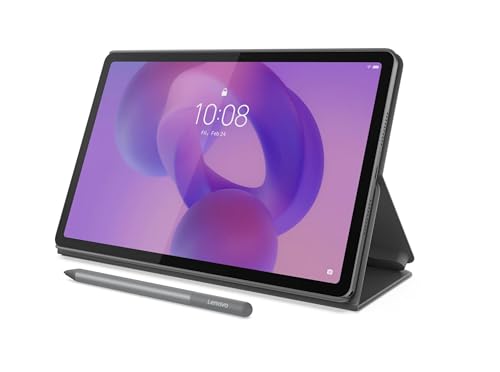
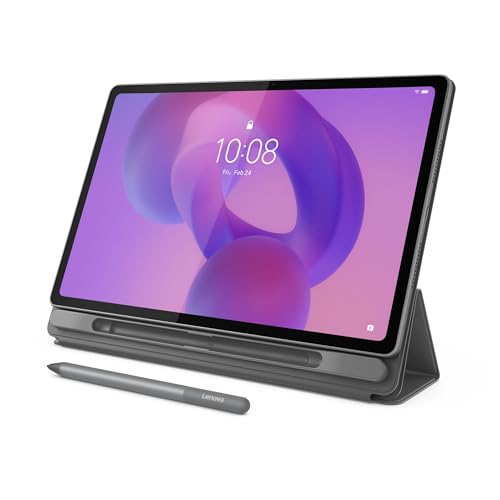
The Amazon Kids Tablet 8 suits a child who mostly reads, watches short videos or plays simple games away from a desk. Its 8.7-inch screen should be easier for smaller hands to hold than a larger tablet. If your child reads worksheets with diagrams and small labels, or needs room to type while following instructions, compare it with a larger screen.
Think through a trip before buying
For a ride or a flight, decide what you want the child to reach offline. Check the storage on RL3YT5 and whether the apps you use can save books, videos or lessons for offline viewing. A supported download is only helpful if it also opens from the child profile. Check that ahead of time if the tablet will spend much of its time outside the house.
The Aquatic case is part of this bundle. If a child will watch at a table with both hands free, verify how the cover props the screen up. Check which charger and cable come with the selected package so you can pack the right gear for travel.
The listing is for ages 6 to 12. Before ordering, check how a parent approves a new app and changes time limits across weekdays and weekends. Confirm access to any school apps the child already uses. The tablet guide for kids and streaming helps weigh portability against the space a larger display gives schoolwork and shared viewing.
What reviewers say
F.A.Z. Kaufkompass reviewed a German-market Amazon Kids Tablet 8. The site found the display good for everyday use and reported that the software responded smoothly. F.A.Z. Kaufkompass liked the range of controls parents had over content and the flexibility to add apps. The site found the first setup cumbersome and rated the speaker sound less favorably. Allowing time for setup is particularly useful if you need to configure a child’s profile and check app access before taking the tablet on a trip.
Sources: F.A.Z. Kaufkompass