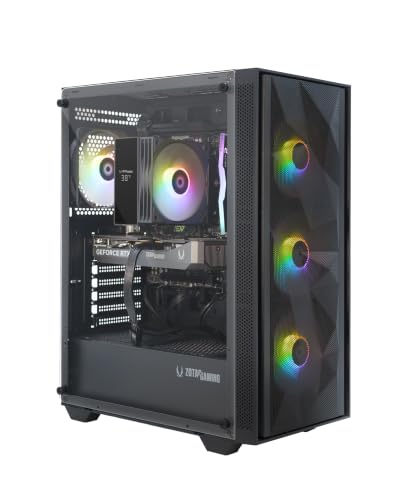


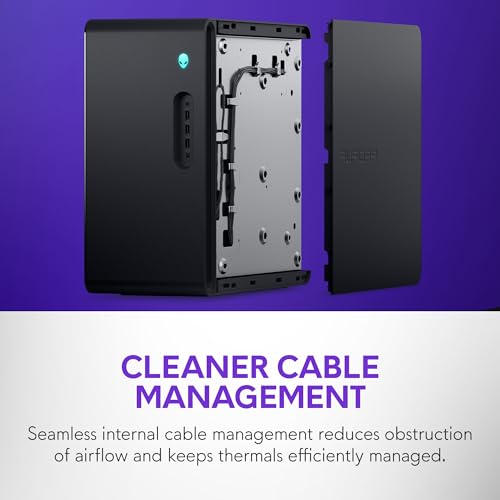


This Aurora suits someone who uses the same desk for gaming and photo or video projects. The RTX 5070 makes 1440p a sensible resolution to start with. In demanding games, turn down heavy lighting effects first if you want steadier motion. For editing, check which effects and export options your software can send to the graphics card. That varies by app and can matter more than the name on the processor.
Make room for the files you keep
With 32GB of memory, there is room to leave a photo editor, browser and other everyday tools open while you work. The 1TB drive is the part to plan around if you keep several large games alongside footage. Include working files, temporary exports and game updates when you estimate space. If you want to store entire finished projects on the desktop, look at storage expansion or keep the archive on a separate drive.
The wired network option is useful where you can run a cable to the router. If the desktop will sit far from the router, check where you can place it for good wireless reception. Skip this configuration if you mainly need it for web and office work, or if you want to build around a specific future graphics card without first confirming clearance and power supply compatibility.
Match the full model code on the store page and check cooling and box contents, since the offer title cuts off. The first prebuilt gaming PC guide walks through the details that are easy to miss.
What reviewers say
TechRadar reviewed the ACT1250 with an RTX 5070 and a 1TB drive, and gives conflicting processor suffixes for its test unit. TechRadar found it performed well at 1440p with settings adjusted for demanding games. The reviewer found the side panel easy to remove and liked the ventilation and connections. TechRadar also noted that the space around the components could make it difficult to fit a larger graphics card. That case detail is worth checking if you plan to upgrade later.
Sources: TechRadar