The ROG NUC 16 makes sense for someone who wants PC games on a shallow desk or a TV stand with little room for a tower. The store title lists a 3-liter chassis. Measure the whole setup, including cable bends and space for air to move around the vents. For a living-room setup, also check how you will reach the power button and plug in a controller.
Set expectations for the mobile GPU
The RTX 5060 here is the mobile version. Use that distinction when comparing game requirements and performance reports. Start with the resolution you want to play at, then decide how willing you are to lower settings. A small desk can still hold a demanding display, and the screen’s resolution can make a bigger difference to gaming load than its physical size.
With 16GB of memory, consider how many apps you keep open while playing. Adding streaming or capture software puts more pressure on that capacity. The 1TB SSD gives you space for a rotation of games, though large installs and saved clips can fill it quickly. Check the exact store configuration for memory and storage expansion before planning either upgrade.
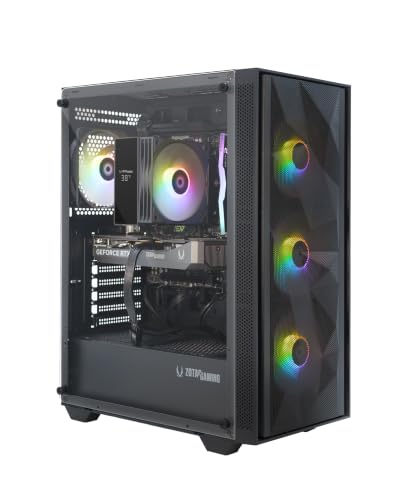
Skip it if swapping graphics cards is central to your plans. Check the monitor connections and what comes in the box before ordering. The guide to choosing a prebuilt gaming PC covers what to compare if you have room for a tower too.
What reviewers say
Tom’s Guide tried a higher-spec ROG NUC 16 at Computex. The site found Pragmata ran smoothly during a brief play session and reported hearing little fan noise around the demo unit. Tom’s Guide also noted that the compact case relies on a sizable external power brick, so the cables and adapter still need a place to go. The site’s impressions came from a show-floor demo, with one game already running on the machine.
Sources: Tom’s Guide