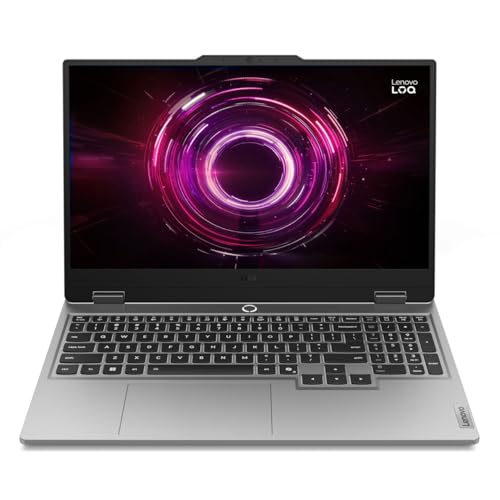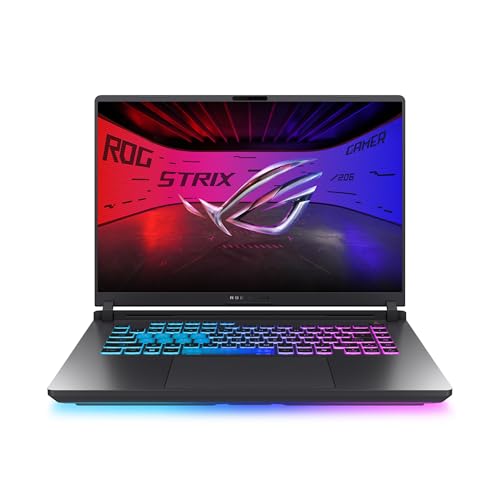

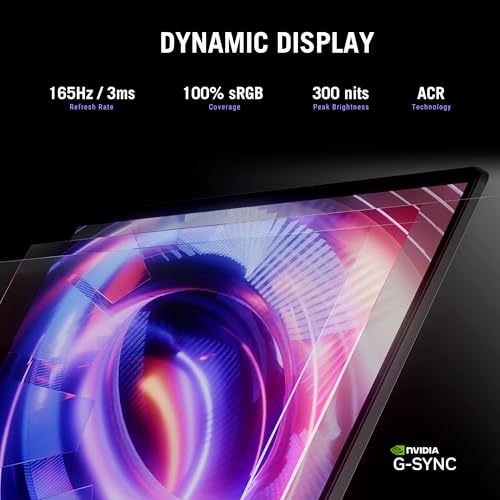



This Strix G16 suits someone who splits gaming time between competitive matches and a few larger single-player titles. Its Full HD+ resolution is a practical match for the RTX 5050. It gives the graphics chip fewer pixels to draw than a higher-resolution screen would. The taller 16:10 shape also leaves more vertical room for a web page or chat window between matches.
Set up for the games you actually play
The 165Hz screen is most useful when the game delivers frames quickly and consistently. In a demanding game, start by turning down the most expensive lighting and shadow effects if motion gets choppy. If your goal is to use high settings on a higher-resolution external display, compare laptops with stronger graphics. The gaming laptop and desktop comparison can help if you expect to keep the computer at one desk.
The Core i7 is useful for games that lean heavily on the processor, such as large simulations. The 16GB of memory makes for a reasonable starting point for gaming. Check how much your games and background apps need together if you plan to stream or run heavily modded games.
Make room for installs
The 512GB drive has to hold Windows as well as your games. Add up your regular installs and leave space for updates. If you’re likely to outgrow it, check the store page for a spare SSD slot or replacement options on this exact model. Confirm the connections you need for a headset or external display.
What reviewers say
Ultrabookreview evaluated a G615 with an RTX 5080 and a different screen. The site liked the firm hinges, grippy feet and sturdy body on its unit. Ultrabookreview noted that the screen stayed steady during normal use and liked the room available to rest your palms. The site found the front edge sharp against the wrists, which matters if you type for long stretches with the laptop flat on a desk. That is worth checking if you often work without an external keyboard.
Sources: Ultrabookreview