

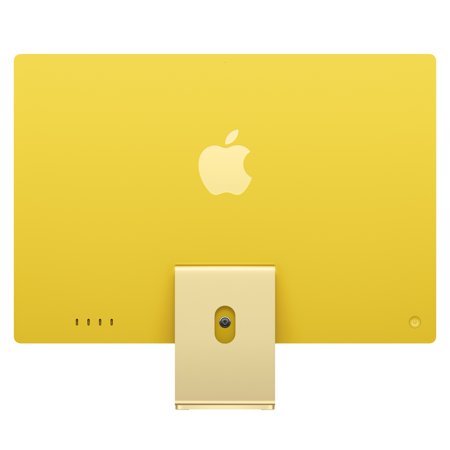




An all-in-one makes sense if you want to set up a permanent workspace without choosing a separate monitor. The screen in this yellow iMac is listed as 24-inch 4.5K Retina. That gives small lettering and fine lines plenty of pixels. Decide how far you sit from the screen and how large you like menus and page text before planning the rest of the desk around it.
The M6 in this listing has a 12-core CPU and a 12-core GPU. Paired with 16GB of memory, it fits everyday macOS work such as managing documents and reviewing photos. Check requirements for any specialist apps or plug-ins. If heavy projects and many large apps regularly run together, think about how much memory your current workflow already uses.
This configuration has a 256GB SSD. That can suit someone who keeps relatively little on the computer or already has an external archive. If you want to store a lot of photos, video or games internally, add up the sizes first. Leave space for applications and working copies. The storage guide explains what the drive does and why capacity matters.
A buyer who wants to choose and replace the screen independently should consider a separate desktop and monitor. Before ordering, check the included keyboard and pointing device, the ports your peripherals need and whether the stand puts the display at a comfortable height.
What reviewers say
Tom’s Guide reviewed the blue version with a 12-core CPU, 12-core GPU and 16GB of memory. It praised the integrated setup and liked the display for general home use. The reviewer also found the stand’s range of adjustment limited and wanted a way to raise the screen without adding a separate riser. Its findings are helpful if you are choosing between a simple all-in-one setup and the flexibility of a separate display, particularly at a desk where more than one person sits.
Sources: Tom’s Guide


