
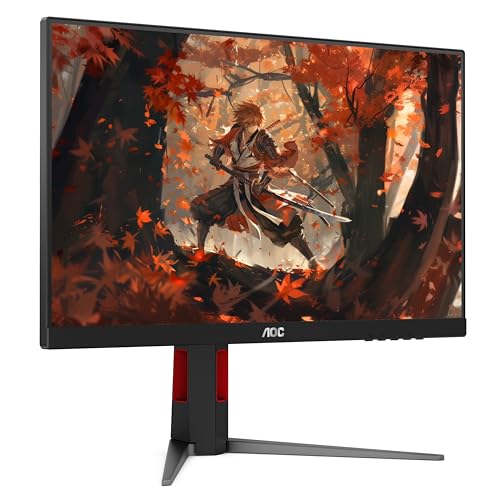


The 24G4 is a sensible shape and size for a desk with limited width, especially if you want to leave room for speakers or a large mouse pad. Its Full HD resolution keeps the rendering load lower than on a QHD or 4K screen. That can leave more headroom for frames in a fast game, though the graphics card and processor still determine what your system can deliver.
At 180Hz, the monitor can show more frequent updates than a standard office display. This is useful if you play shooters, racing games or other titles where objects move quickly across your view. The listing includes Adaptive-Sync, which is worth checking for compatibility with your GPU and your intended input. Verify which cable and settings are needed to reach your target mode.
If the main task is editing detailed photos or keeping several full-size documents open, compare how much working area a larger or higher-resolution display would give you. The monitor selection guide covers when extra resolution is worth prioritizing. A buyer mainly interested in HDR films should compare measured brightness and contrast before choosing on the strength of an HDR label.
The listing calls out a VESA mount and both HDMI and DisplayPort. Check the mount pattern and clearance if you already own an arm, and confirm the included cables if you intend to use the default stand.
What reviewers say
TechSpot found the 24G4 better tuned for motion than its predecessor and measured low input lag. Its sample also showed good factory color accuracy and had a useful sRGB mode. The reviewer found that different refresh rates benefited from different overdrive settings, and maximum brightness was modest. TechSpot also noted that accepting an HDR signal did little for the viewing experience without hardware to improve contrast. The findings suit a buyer choosing primarily for routine SDR gaming and general use.
Sources: TechSpot