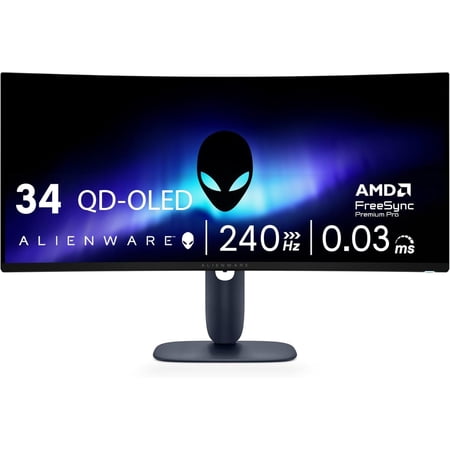


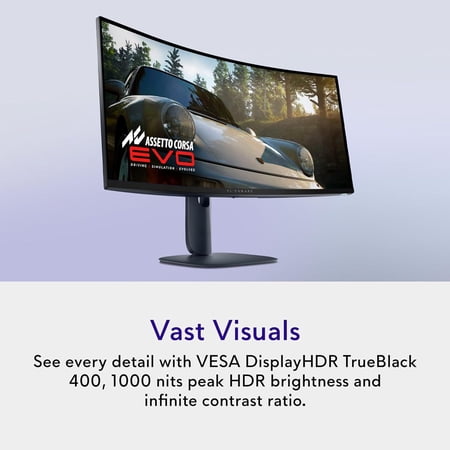
Start with the games you want to play. An ultrawide screen earns its space in titles that use the extra width for scenery, side windows or a broader view of the track. Some games and cutscenes preserve their original aspect ratio and show blank areas at the sides. If your library mostly uses 16:9, check support before committing to the width of the AW3425DW.
That width can also be handy outside games. A reference document and an editor can sit beside each other without a bezel in the middle. For a desk that shows the same interface all day, weigh that benefit against OLED wear from static elements. The monitor buying guide helps compare panel types and screen shapes for a mixed work and gaming setup.
The listing calls the screen UW-QHD. That class of resolution asks the graphics card to draw more pixels than a conventional QHD frame. Check performance in the titles you would play at full width and decide whether you are willing to turn down demanding effects. Console-first buyers should check their console’s output formats before choosing this shape.
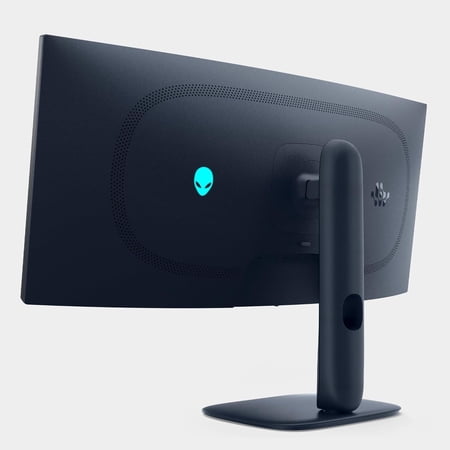
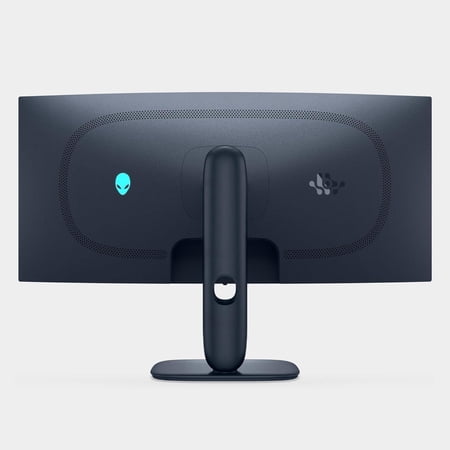
Before ordering, measure across the desk and leave room for speakers or a microphone arm. Confirm the stand footprint, the inputs and their supported refresh rates, since those details affect both desk placement and the connection you will use.
What reviewers say
Tom’s Guide found the AW3425DW especially convincing in fast games and liked how much desk space the flat stand base freed compared with the preceding Alienware design. The reviewer saw a rich picture, although the standard preset exaggerated colors, and pointed to Creator mode as the better choice for more accurate work. HDR brightness was the reviewer’s main reservation. That makes the review useful for someone deciding between a screen for gaming in a controlled room and one whose main job is showing bright HDR highlights.
Sources: Tom’s Guide